In Canvas Catalog, the Drop Course/Program button displays in the Student Dashboard by default. As a Catalog admin, you can remove the Drop Course/Program button from the Student Dashboard by disabling it in the Catalog Info page.
Open Admin
To open the User Menu, click your username [1]. Then, click the Admin link [2].
Open Catalogs
In the navigation menu, click the Catalogs tab.
Select Catalog
To open an existing catalog, click the root catalog name link.
View Catalog Info
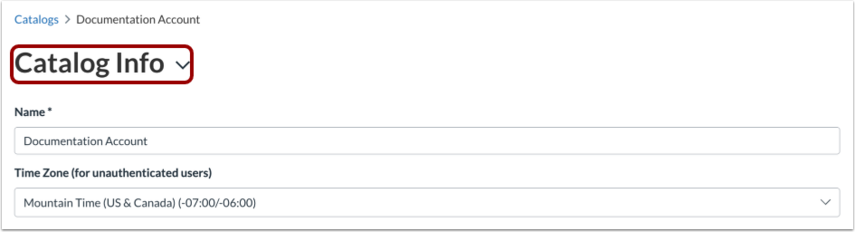
In the Catalog settings drop-down menu, the Catalog Info page displays by default.
Disable Drop Course/Program
By default, the Disable Drop/Course Program Button is de-selected.
To remove the Drop Course/Program button from all courses and programs in the Catalog and its Subcatalogs, click the Disable Drop Course/Program button on.
Save Catalog Info
To save the catalog info, click the Save button.