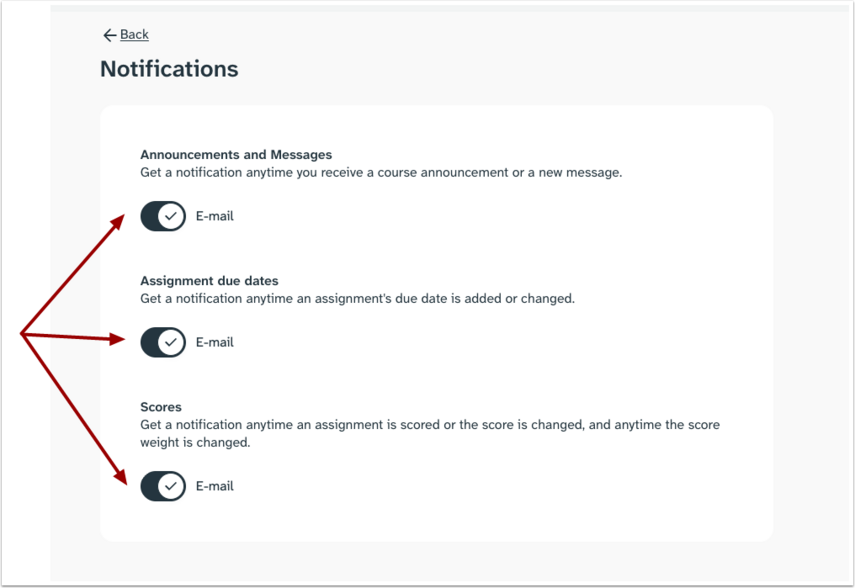
The notification settings help manage how you can stay up to date with everything happening in your courses. You can choose when you are alerted about important updates, such as course announcements, messages, assignment due dates, and scores.
Open User Settings
Click the drop-down icon [1], then click the User Settings button [2].
Open Notifications
In the User settings page, click the Notifications link.
Manage Notifications
You can customize your notifications and choose how you are alerted about important updates. To allow notifications to send to your email, click the E-mail toggle on.