The home page provides an organized view of your progress so you always know where you are in your learning journey. It includes tools to track your completed activities, time spent learning, and earned skills. These tools help you monitor your growth and showcase your developing competencies.
View Progress
The Home page displays the learner's active courses where you can track progress on your courses [1] or view announcements [2].
You can also check your course details on the course card, including:
- Course or unit name [3]
- Activity type [4]
To check the estimated time of completion, click the Time learning drop down [5]. You can choose to see the total hours remaining or the remaining hours for each course.
To resume learning, click the Course card name [6].
You can also view your skills earned [7] and completed activities [8].
To view all your courses, click the See all courses button [1]. To view the skills you have accumulated and go to the Skillspace, click the on the skill tab on the Skill highlights [2].
View Completed Courses
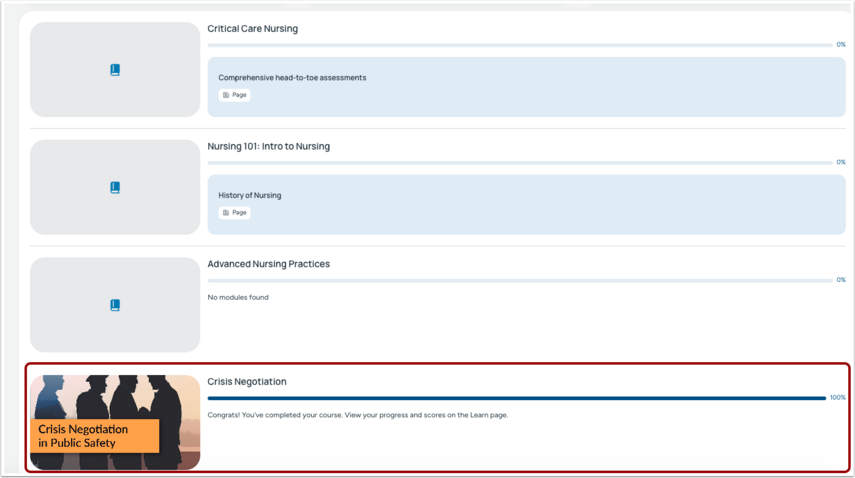
Completed courses display a 100% progress bar and move to the bottom of the dashboard, while in-progress courses remain at the top.