You can get help with Mastery Connect through guides, videos, and other resources. You can view Mastery Connect guides and resources in the Mastery Connect Help Center in the Instructure Community. If you are logged into the Community, you can ask questions of others in the Community.
You can watch instructional videos through the Mastery Connect Online Professional Development (PD).
You can also submit a support ticket at any time, and a member of the support team will respond.
Open Help

Click the Help icon [1].
View Helpful Resources
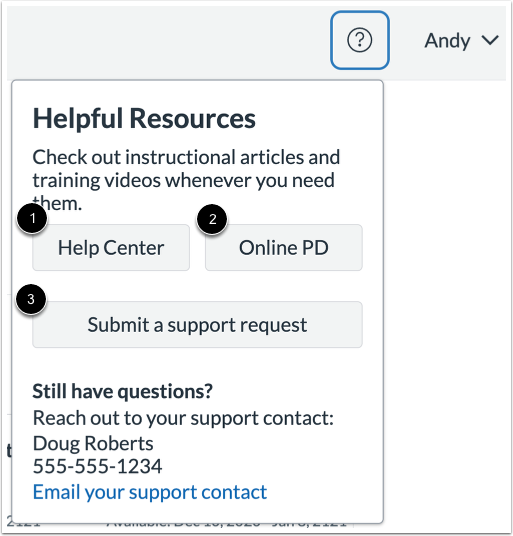
To view Mastery Connect guides and resources, click the Help Center button [1].
To watch instructional videos, click the Online PD button [2].
To submit a support ticket, click the Submit a support request button [3].
Note: The first time you click the Help Center button, you must create a Community profile.
View Help Center
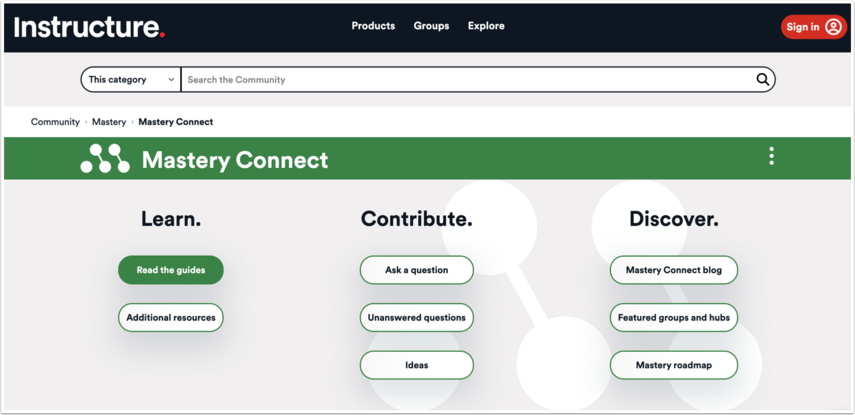
The Help Center contains Mastery Connect guides and resources in the Instructure Community.
Note: You can also access the Instructure Community by typing https://community.canvaslms.com into your browser search bar.
Submit Support Ticket

The Submit a support request link opens the Instructure support customer portal.
Click the Create Support Ticket button [1] or the Create Support Ticket link [2] to open and complete the support ticket process.
Watch Online PD Videos
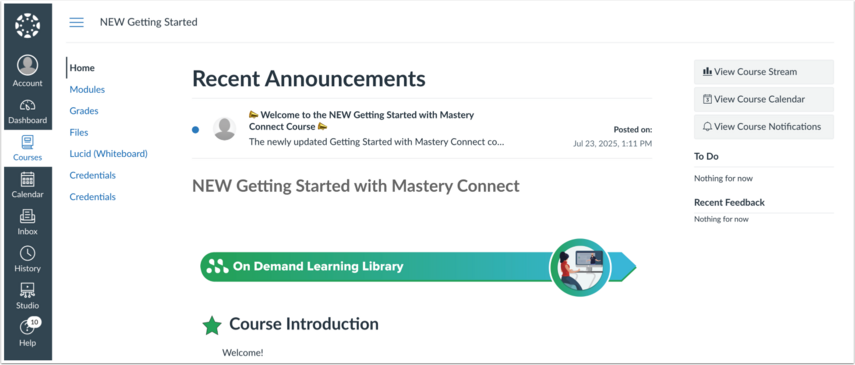
The Online PD button opens the Mastery Connect Online PD courses in Canvas. You can access the free course, and if your district purchased Online PD, you can access additional courses. To learn more, contact your Custom Success Manager.