The Instructure Community is a place where you can find answers, share ideas, network, and collaborate with over two million members. This guide shows you different ways to participate and get the most out of the Community.
Notes:
The Welcome Page
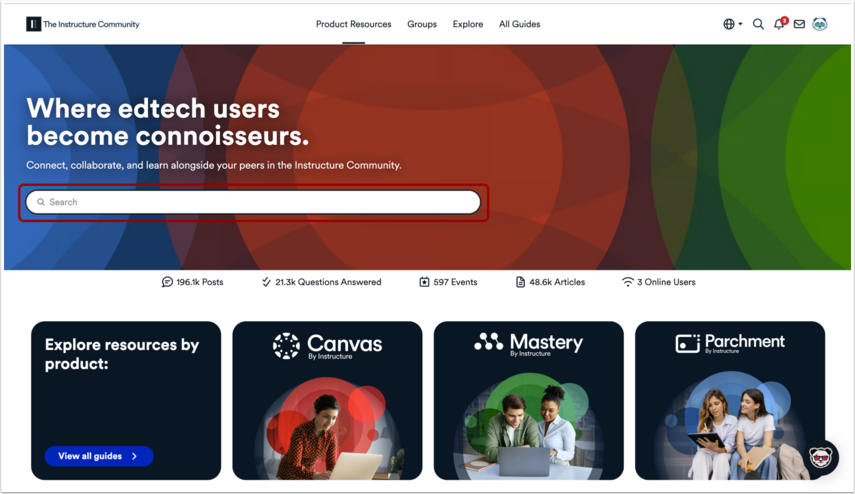
Enter a topic in the Search the Community field to find answers.
Explore Resources by Product
Click a product icon to browse resources for Canvas, Mastery, and Parchment.
View the trending or recent discussions, unanswered questions, and upcoming webinars.
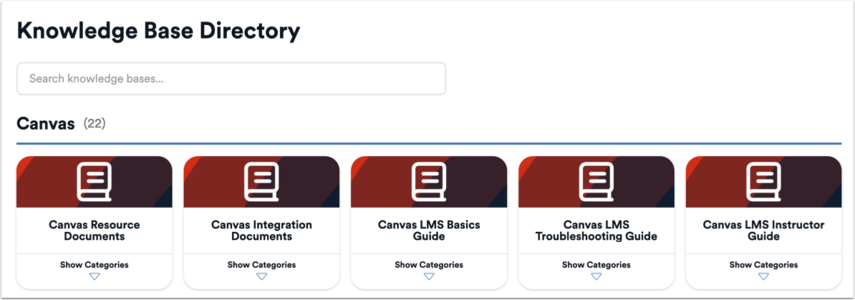
Read the Guides
You can access and read Instructure's official product documentation, watch how-to videos, and check resources in the Community. You can access the guides from product landing pages or from the All Guides page.
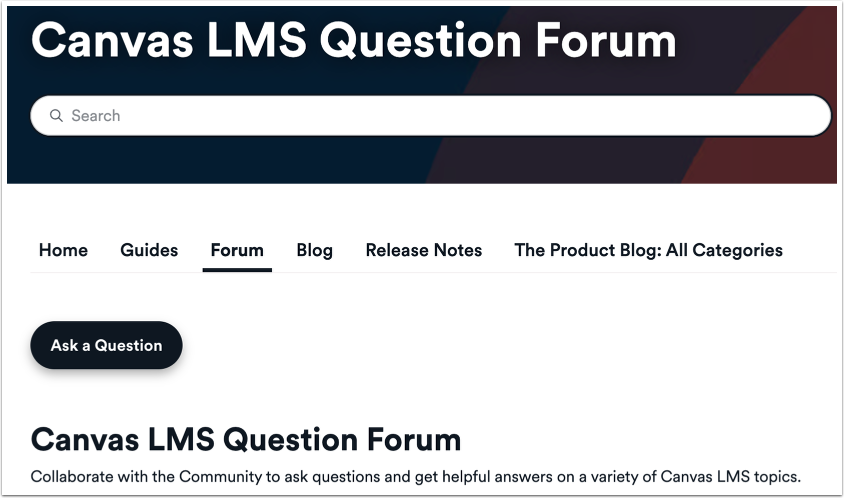
Ask Questions
You can ask questions in the Instructure Community from product question forums or within Interest Hubs.
Answer Questions
If you know the answer to a question, you can reply to the question with your answer. The author or a community moderator may mark your answer as the correct answer for the question.
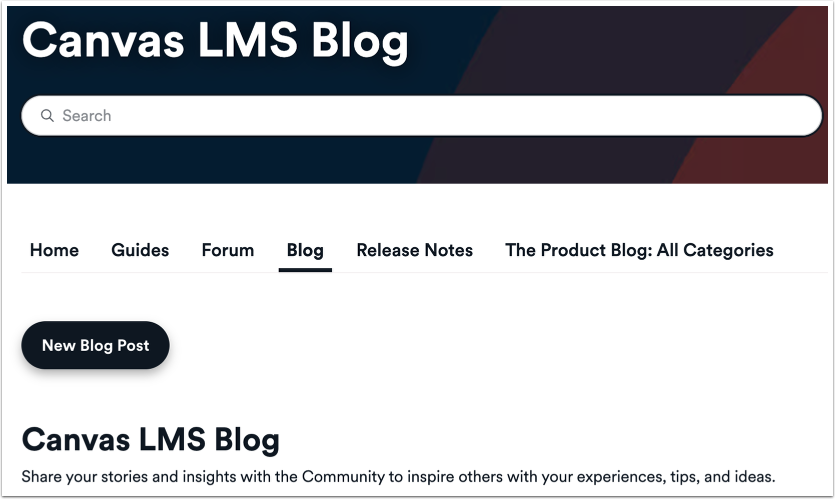
Share a Blog Post
You can write blog posts in certain areas in the Instructure Community. You can use a blog post to share your thoughts, best practices, cool workflows, initiatives, successes, and more in longer form blog posts throughout the Instructure Community. Blog posts are generally reserved for long-form content. Asking a question in a blog post may result in your content being moved into a question forum.
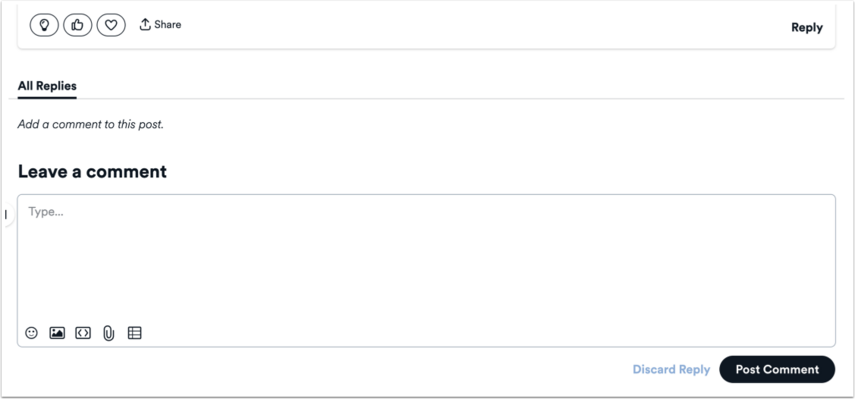
You can comment on discussions, questions, and blog posts. When commenting on community content, please keep in mind the Instructure Community Guidelines.
React to a Post
You can react to a post or comment to indicate you found the content helpful, share your appreciation for a blog post or answer, agree with a question or discussion topic, or recognize the author of a post or comment for their contribution. Reactions are a great way to participate, recognize helpful content, and promote content throughout the community.