Align by Object
In the Navigation Menu, click the Align by Object link.
Open Filters
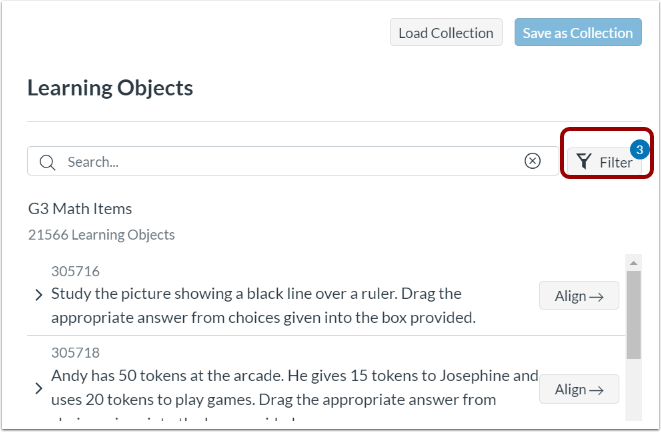
In the Learning Objects panel, click the Filter button.
View or Load Collection
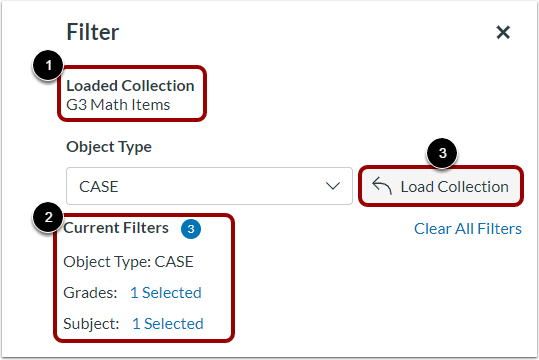
If the collection you want to update is already loaded, you can view the name of the loaded collection [1] and its current filters [2].
If the collection you want to update is not already loaded, click the Load Collection button [3]. Then, load the collection.
Update Filters
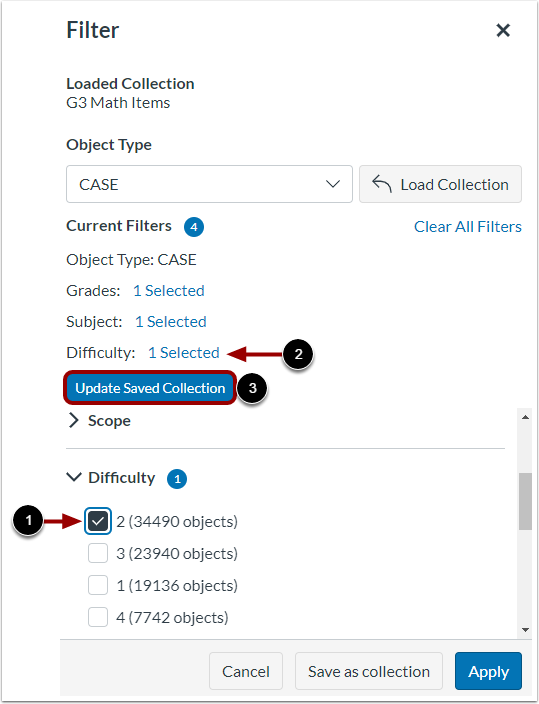
As needed, select or remove filters [1]. The current filters list changes to show removed or added filters [2].
To update the loaded collection with the current filters, click the Update Saved Collection button [3].
Apply Updated Collection
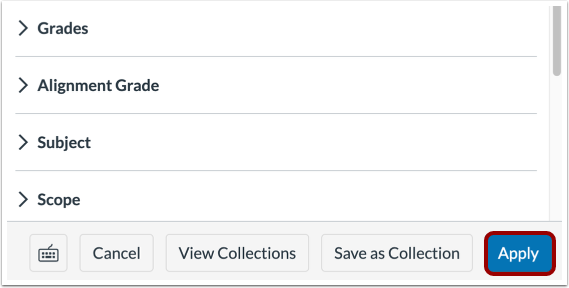
To apply the updated collection filters to the learning objects list, click the Apply button.