Align by Object
In the Navigation Menu, click the Align by Object link.
Open Load Collection
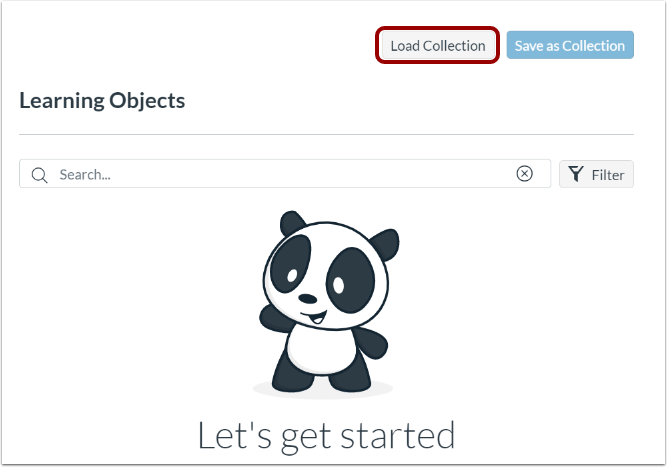
On the Learning Objects panel, click the Load Collection button.
Load Collection
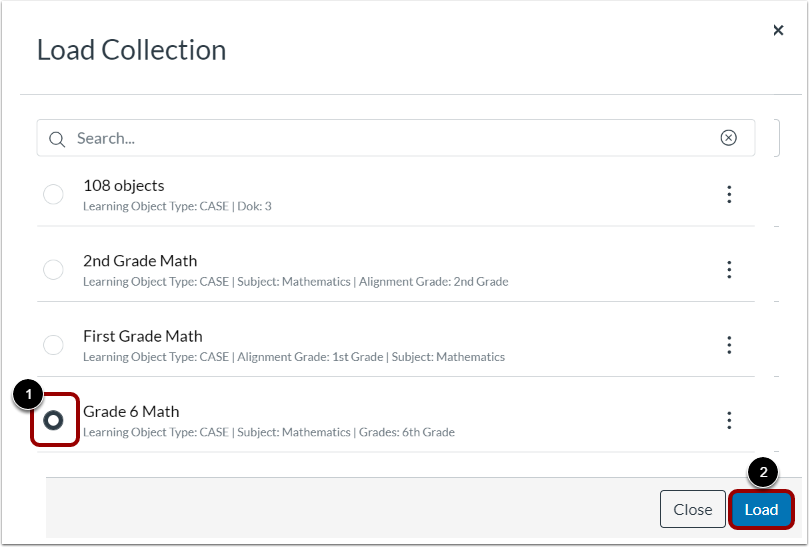
In the Load Collection window, click a collection's radio button [1]. Then, click the Load button [2].
View Learning Objects
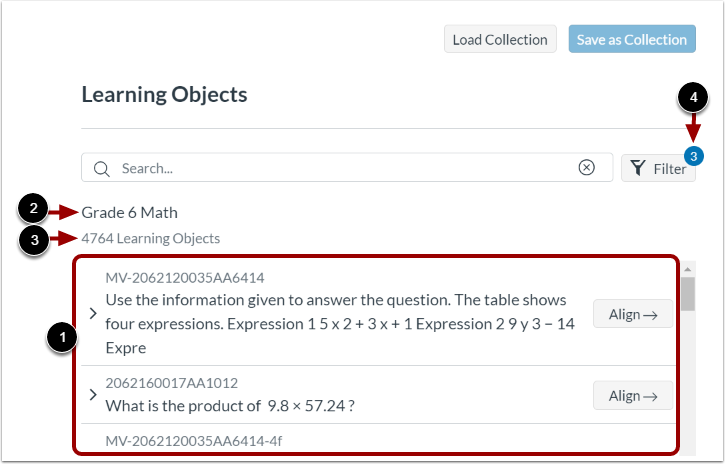
The learning objects list updates based on the loaded collection [1]. You can view the loaded collection name [2], and the number of learning objects listed [3].
You can also view the number of filters used in the loaded collection [4].