When aligning by object in the Standards Alignment App, you can create a collection of learning objects based on filters. A learning object collection is a group of related learning objects within an account that you may want to align together. Some examples of collections are:
- All 4th grade math lessons
- Chapters from within a specific unit
- All writing assessment items
After you create a learning object collection, you can load it when aligning by object. You can also delete or rename a learning object collection.
Align by Object
In the Navigation Menu, click the Align by Object link.
Filter Learning Objects
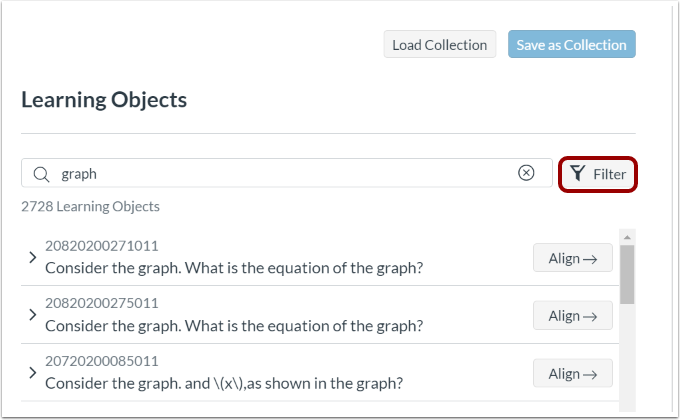
On the Learning Objects panel, click the Filter button.
Save Filters as Collection
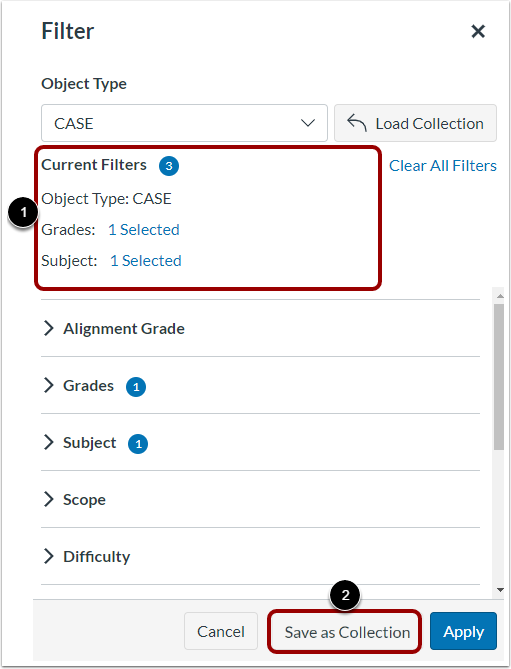
In the Filter window, view the current filters [1]. If needed, you can select additional filters.
To create a collection of the learning objects that satisfy the current filters, click the Save as Collection button [2].
Save Collection
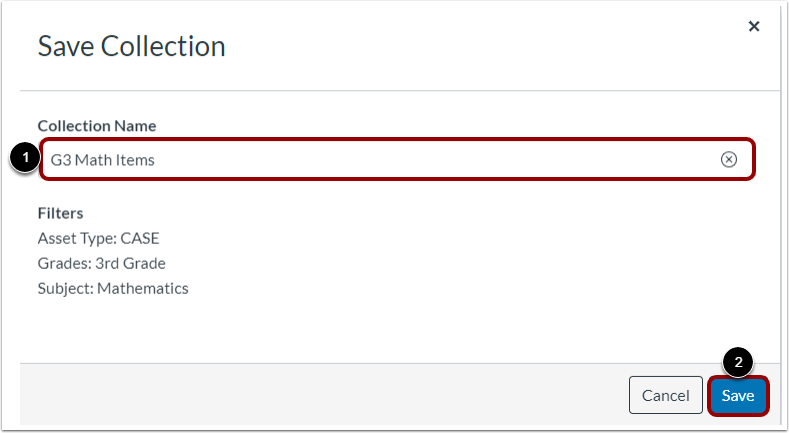
Enter a name for the collection in the Collection Name field [1]. Then, click the Save button [2].
Apply Loaded Collection
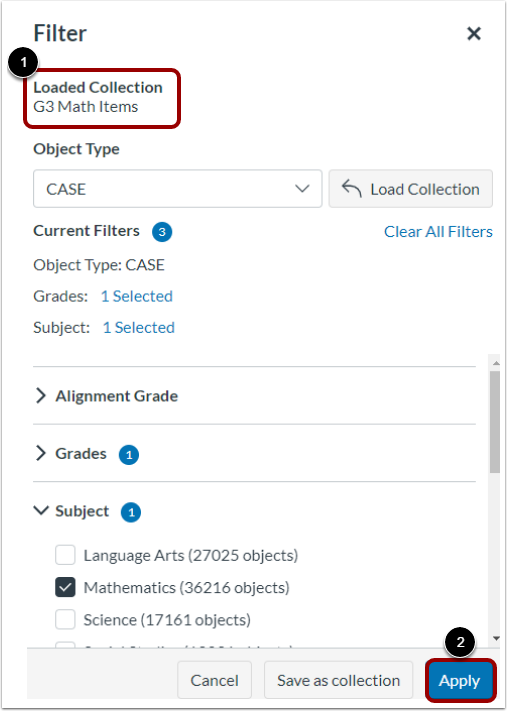
The collection is saved and loaded [1].
To apply the collection to the current list of learning objects, click the Apply button [2].