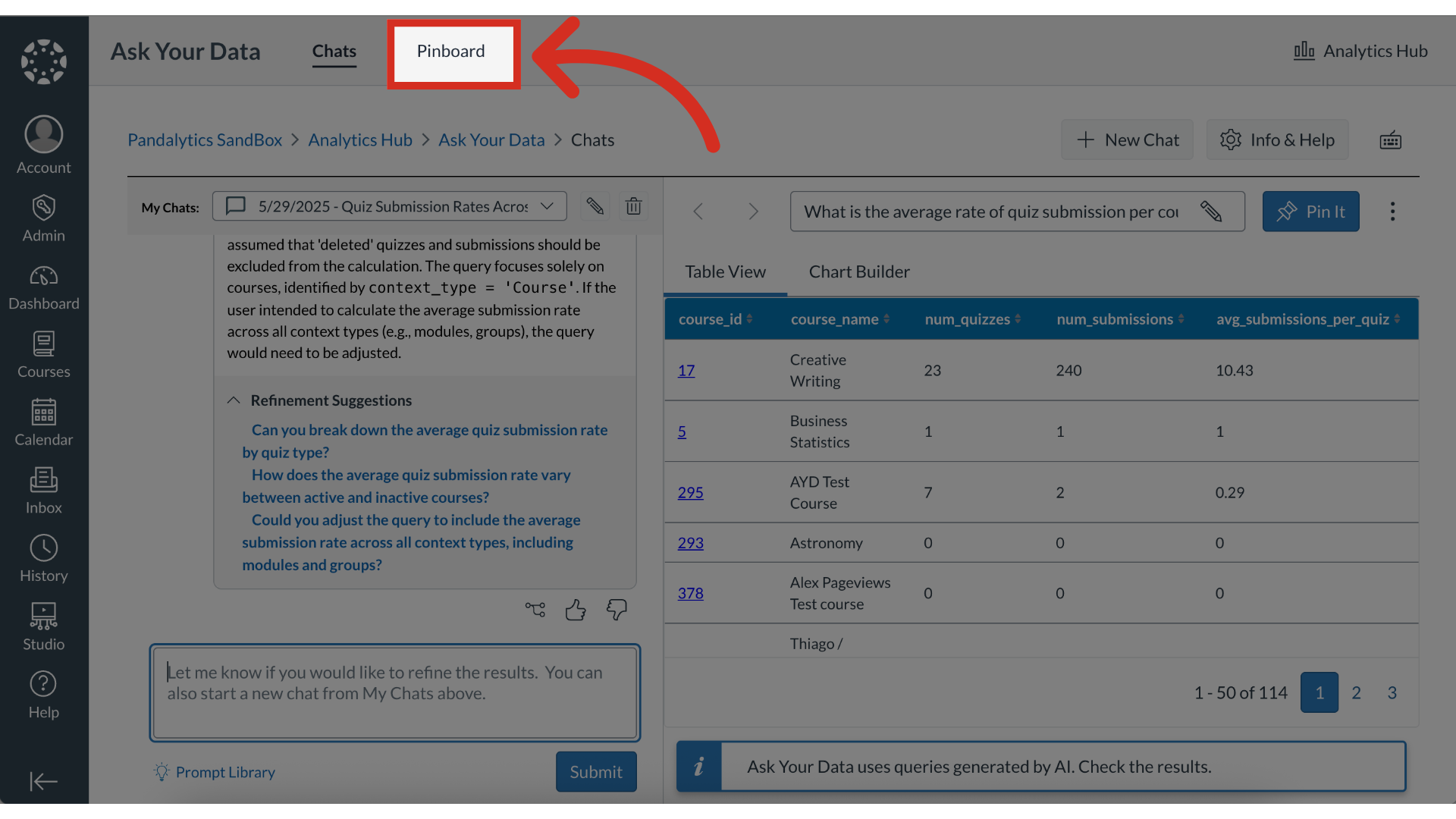
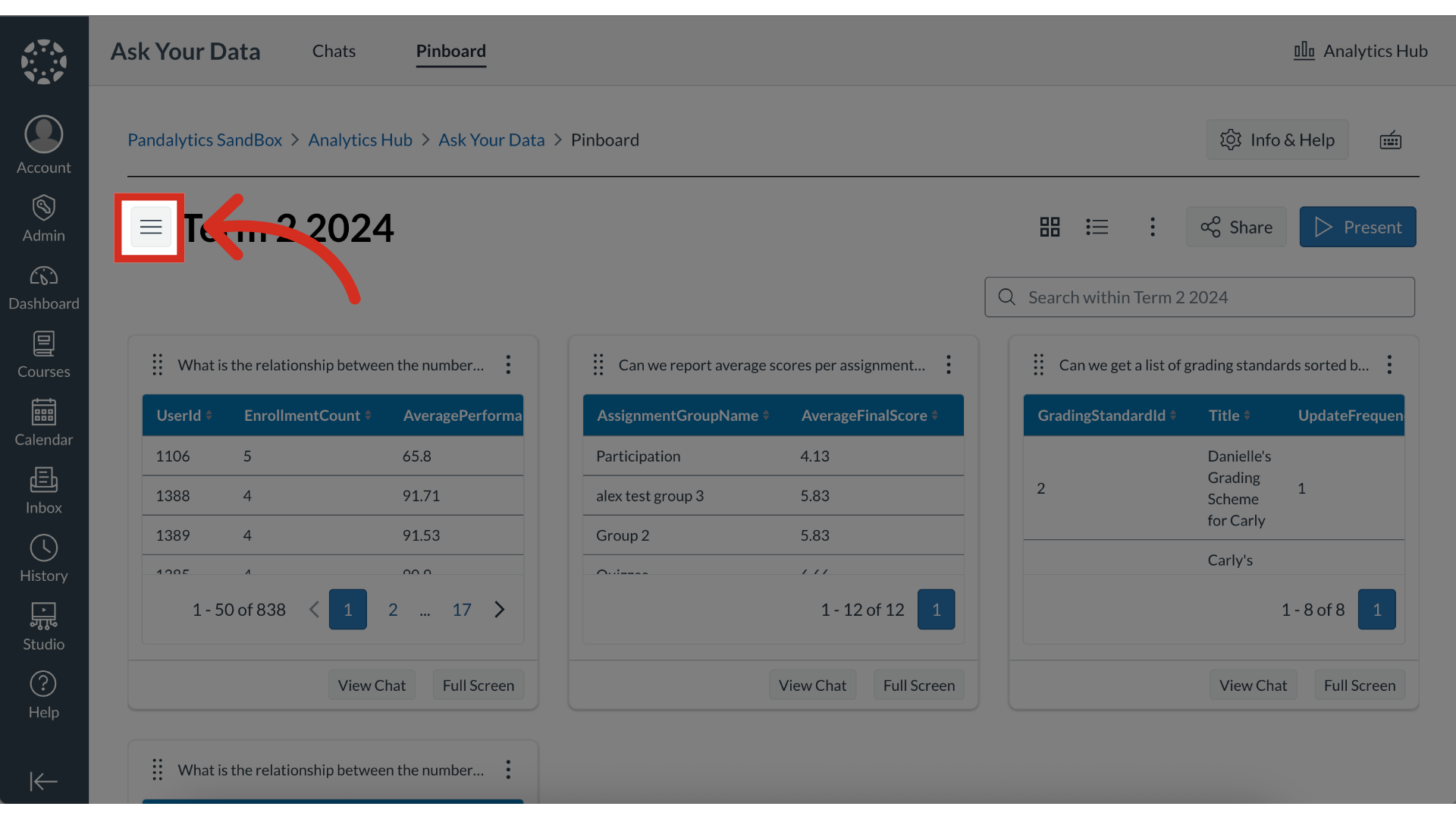
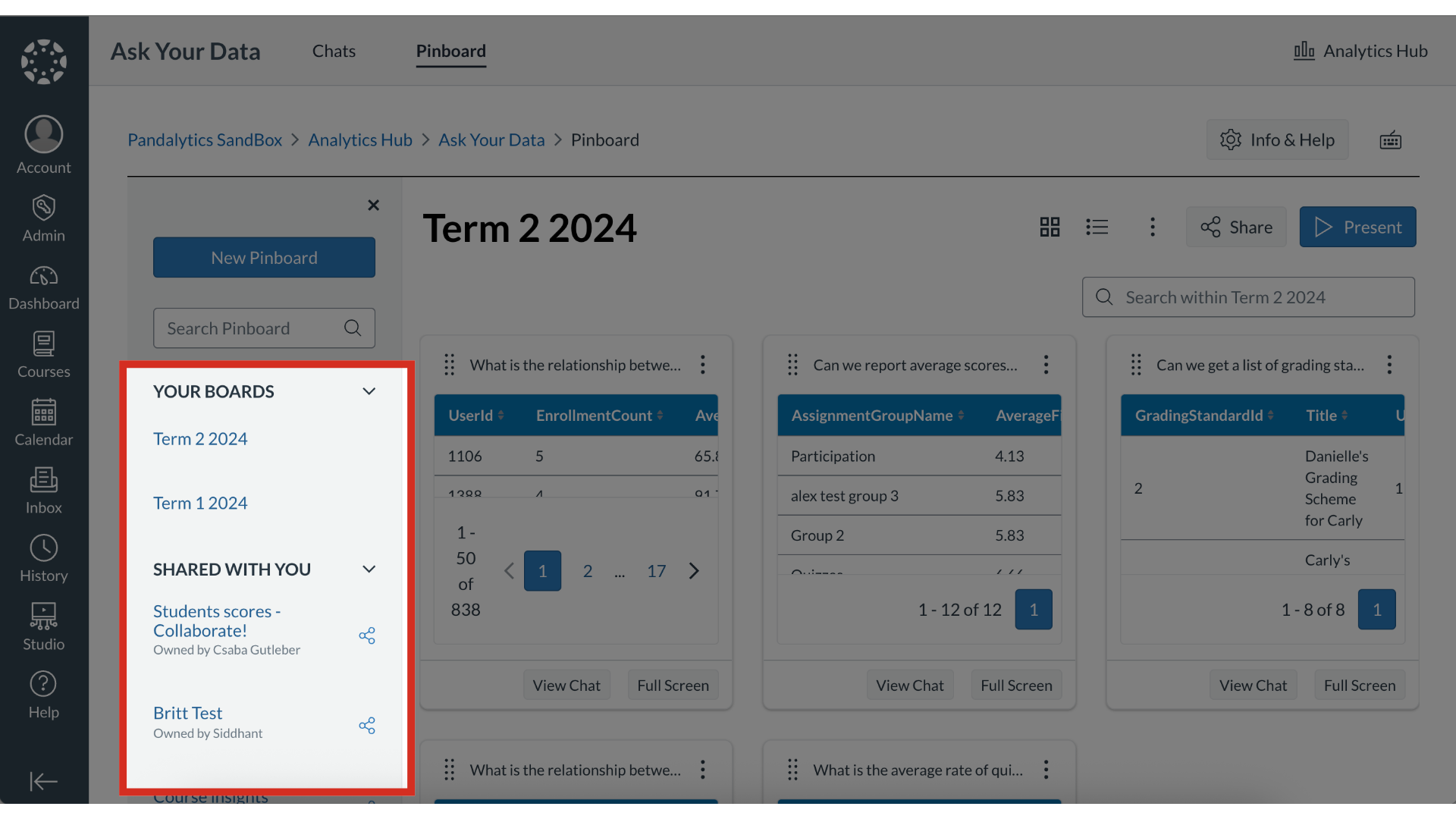
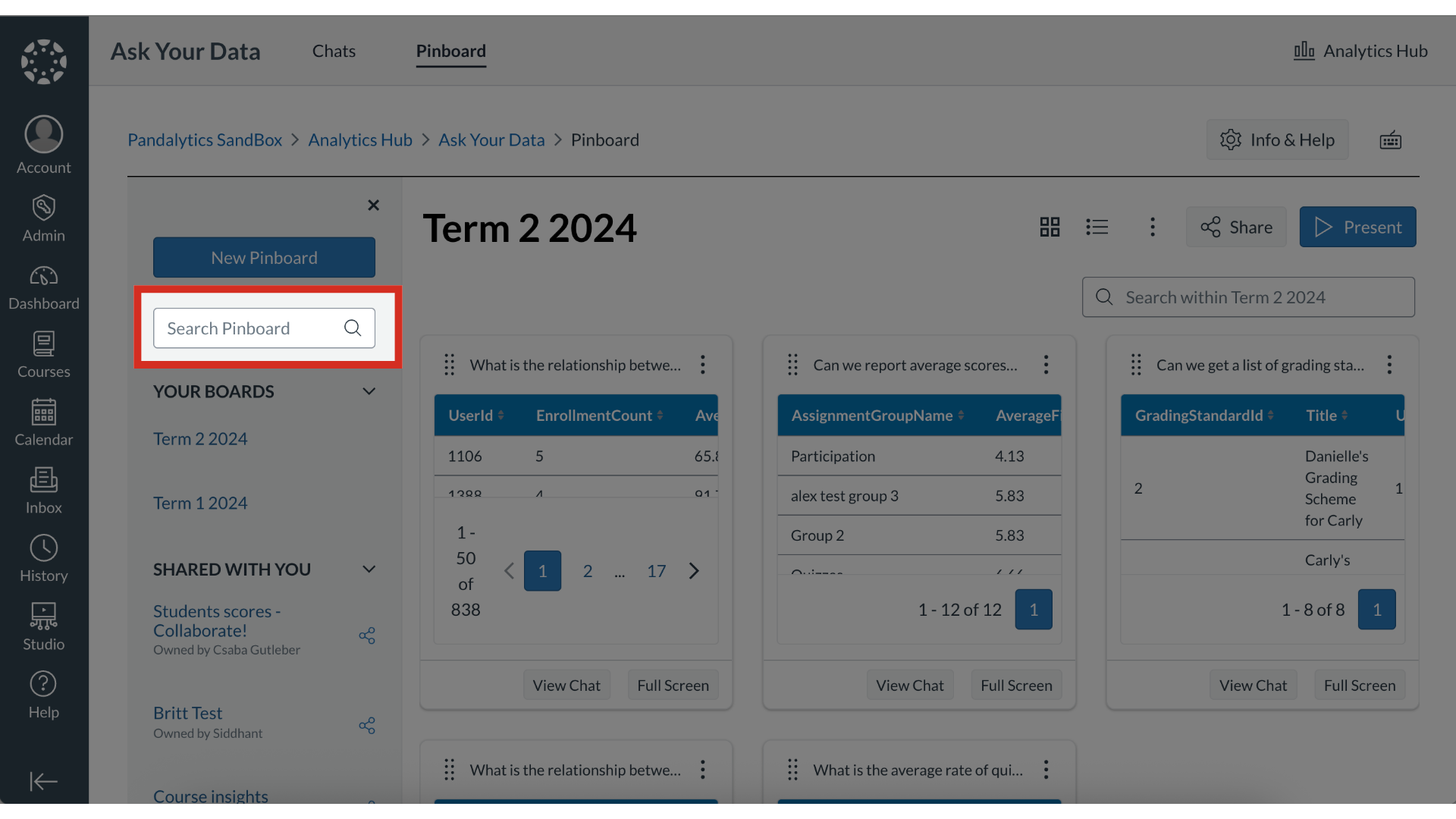
The Pinboard Library is a central location where you can view and manage all of your pinboards. The library organizes your boards into two distinct categories: pinboards you have created from your own Ask Your Data inquiries and those that other users have shared with you.What is the Pinboard Library?1. Open PinboardTo view your pinboard library, click the Pinboard tab.2. Open Pinboard LibraryTo open the pinboard library, click the Pinboard Library icon.3. View Pinboard LibraryThe Pinboard library is separated between two categories: Your Boards: created from personal Ask Your Data inquiriesShared with You: shared with you as a viewer or collaborator4. Search PinboardsTo search for a pin within a pinboard, enter a keyword in the Search field. The guide covered the Pinboard Library.