If you are the owner of a video or audio file, you can delete comments in any media that you own. Comments cannot be edited except by the user who created the comment.
Note: Deleted comments cannot be recovered.
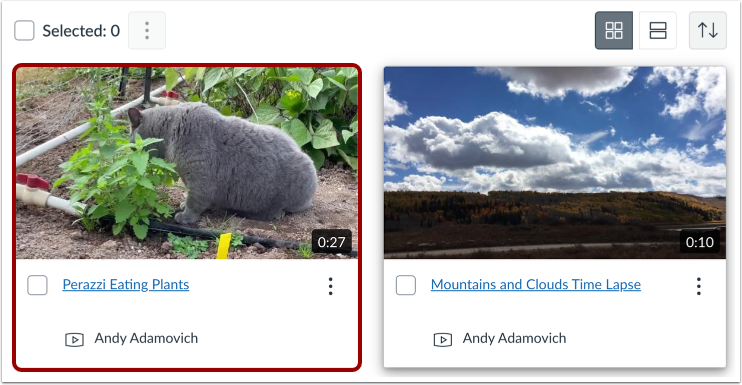
Locate the media and then click the media thumbnail.
Click the Comments tab.
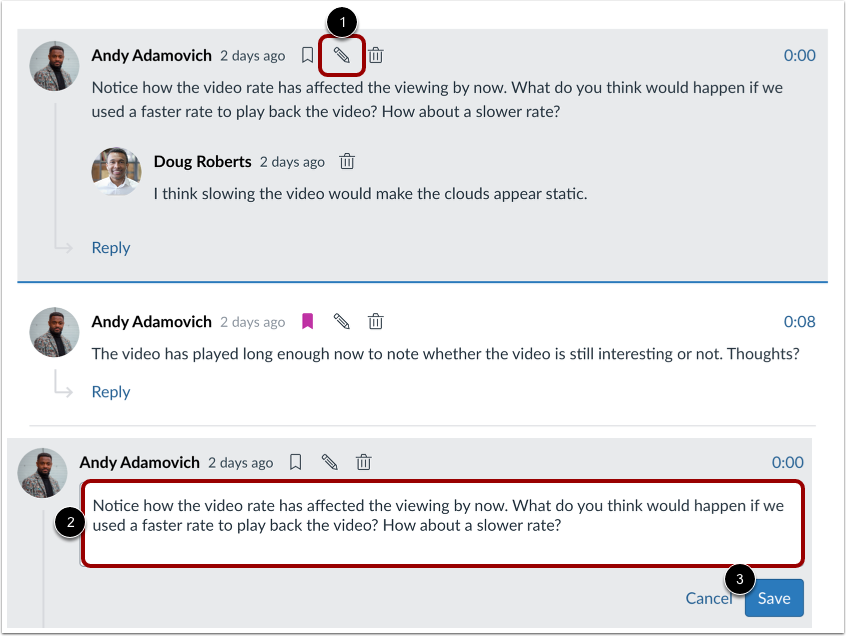
To edit your comment, click the Edit icon [1]. Update your comment [2], and then click the Save button [3].
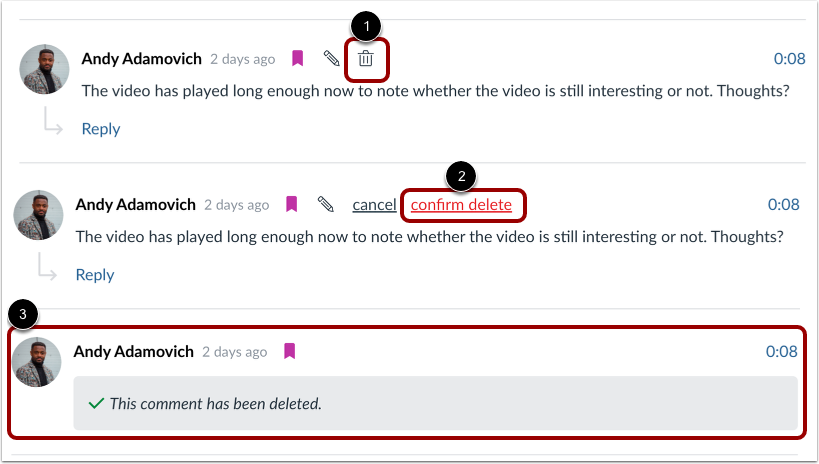
To delete your comment, click the Delete icon [1]. Then, click the confirm delete link [2].
Deleting your comment retains your name and shows that the comment has been deleted [3]. Deleted comments cannot be recovered.