Canvas Student Pathways will be retired on June 30, 2026. For more information, see the Introducing Canvas Portfolio blog post.
You can generate a link to allow students to enroll in a pathway. You can share the link in a course syllabus, email the link to your students, or share the link via your preferred method.
When students click the link, they will be automatically enrolled in the pathway. If a student does not have a Portfolium Network account, when they click the link they will be prompted to complete the onboarding process before being enrolled in the pathway.
Open Pathways
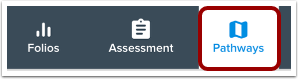
In the Toolbar, click the Pathways icon.
Open Pathway
Click the name of the pathway.
Add Students
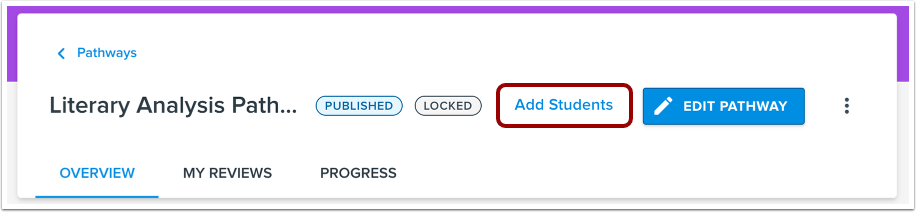
On the pathway details page, click the Add Students button.
Copy Link
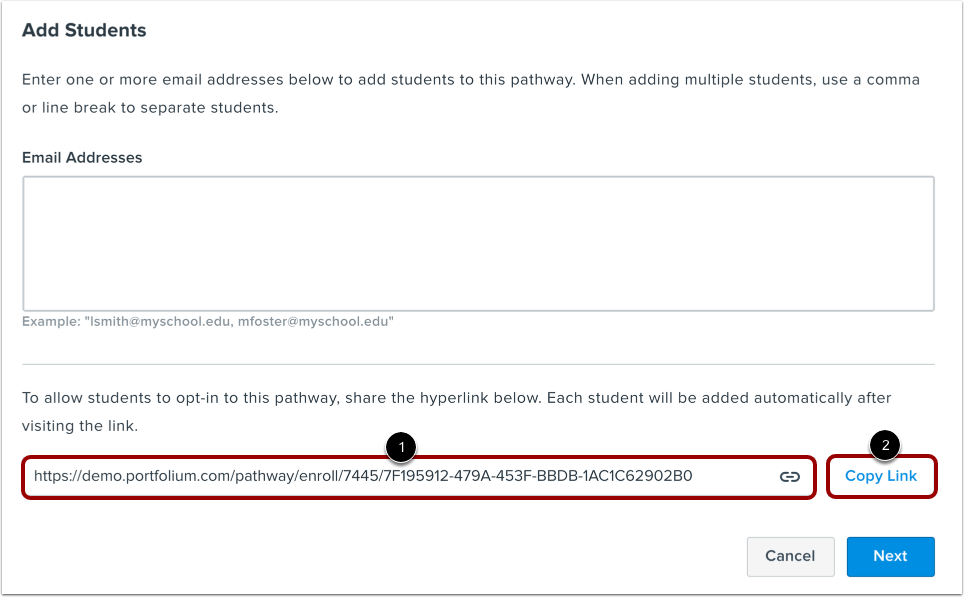
The Add Students window includes a link that will automatically enroll students when they click the link [1].
To copy the link to your clipboard, click the Copy Link button [2].