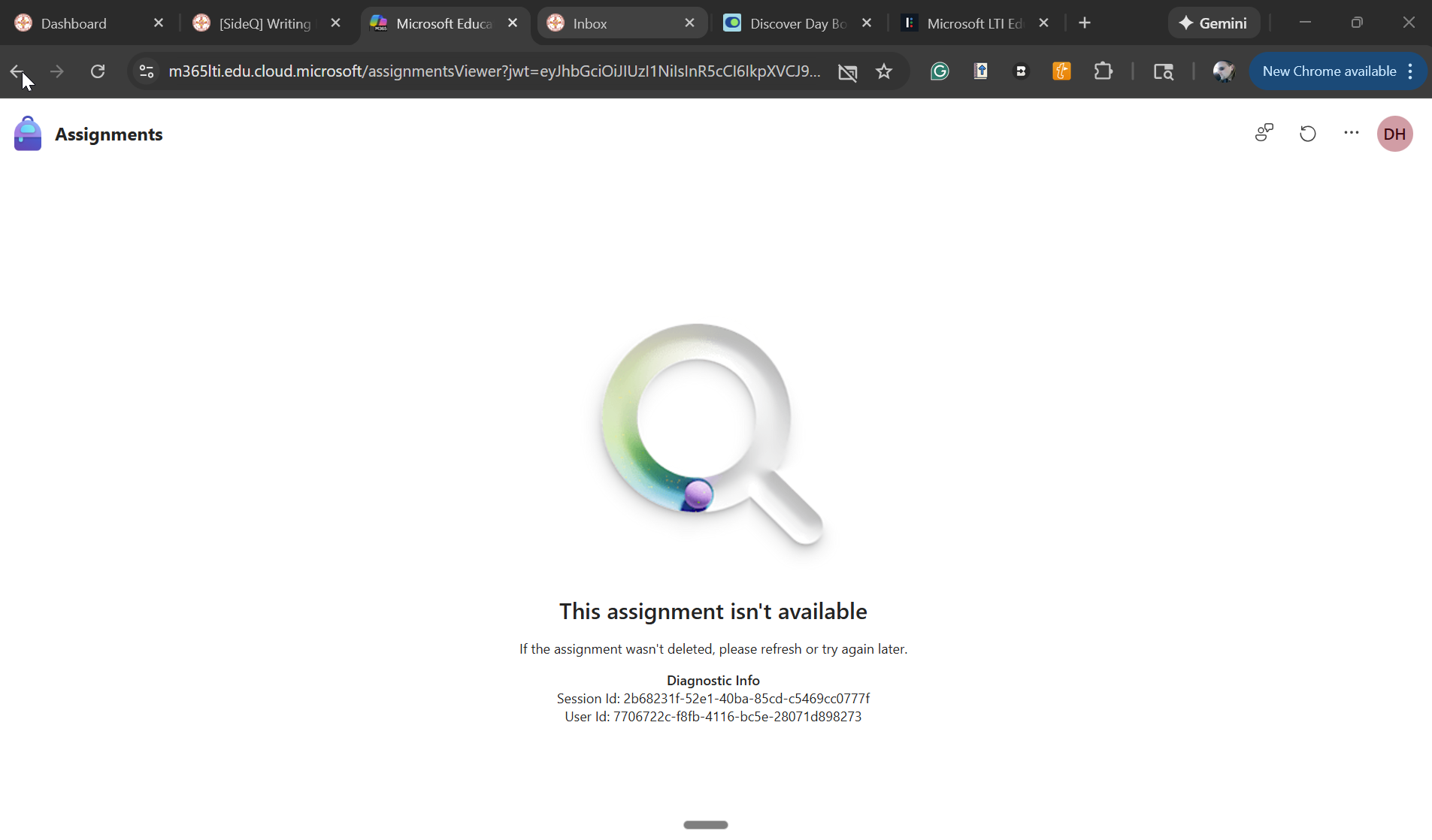
The new Microsoft Education LTI is pretty snazzy. It has a login issue for us though. The tool constantly asks students to login. Sometimes, when they launch from Canvas, they get a 365 login screen.
Annoying? Yes, but it still works.
Sometimes, students (and faculty) get a screen saying the assignment is not available. Then a flood of inbox messages and screenshots rain upon me.
The solution is not obvious: Cick the circle icon in the right-hand corner, click the link to login, log in in a new tab, and refresh the tab saying the assignment is not available.
My question: Is this "assignment is not available screen" a problem in our LTI settings, an issue caused by our 365 settings, a bug, a known issue, or something else?