Canvas Lite is now available! If you have course content in Free-for-Teacher, now's the time to export it. Access closes for good at 11:59 p.m. MT on October 6. Learn more.
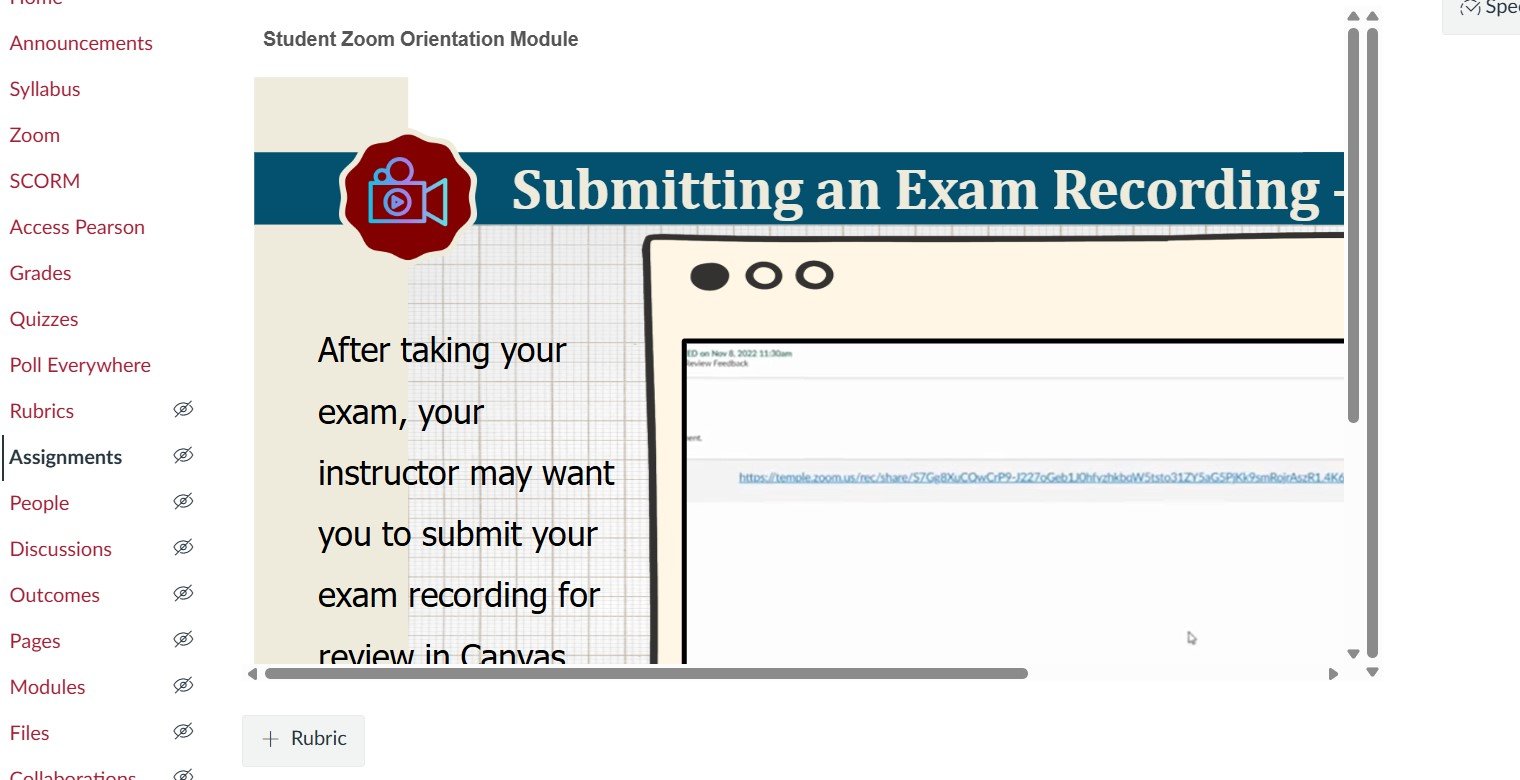
I uploaded videos to the SCORM page and added them to the Assignments page.
When I view them, the videos appear shortened.
How can I expand them?
The simplest option is to check the option to open the assignment in a new tab or window. If that's not ideal for your situation, it may be necessary to add some custom CSS to your theme (which an admin would need to do) to increase the max-width of the main content display wrapper and potentially add a min-height to the SCORM iframe.
Apologies for keeping you hanging! The easy solution of opening in a new tab or window is in the Assignment Settings. In the "Submission Type" area, select the "Load This Tool In A New Tab" checkbox. You can still include the typical assignment instructions in the text editor above, but students will be presented with a button to launch the SCORM in its own window. They'll need to allow popups for Canvas to see it.
The more advanced option would require an admin to add some basic CSS to your theme. By default, it looks like Canvas limits the overall application width to 1366px. Something like the following will extend that setting to something a bit more realistic, for example:
body:not(.full-width):not(.outcomes) #wrapper.ic-Layout-wrapper {
    max-width:1800px;
}
Notice there are a couple of exceptions applied to the setting, specifically for pages intended to run full-width, like Speedgrader and Outcomes.
After we did this at my organization for some subaccounts, we also didn't like how SCORM that we do want to load on the assignment page looked, so we adjusted the height on the iframe in that case:
body.assignments iframe.tool_launch {
 height: auto!important;
 min-height: 600px!important;
}
Hello, I am looking for an instructional designer to help reformat some of our courses. This would be an as needed/after hours type gig. Any suggestions?
As it is now, assignments that are dropped show to the students as a slightly lighter font color. However, if students do not complete an assignment that is then dropped, the font color doesn't change at all and it shows as "missing" in red. Why not just change all dropped assignments to "Dropped" instead of "missing"?…
Our H5P LTI assignment scores are not returning to the gradebook 9 times out of 10. It's been going on since 15 September, and we are not aware of any event or change at that time that might have caused the issue. The H5P reports confirm students have completed the assignments, therefore ruling out user error. Is anyone…
Our institution is setting up 9 institutional outcomes in Canvas. Several of our outcomes have multiple skill sets within the rubric. For example: Critical Reading – Skill Set A Critical Reading – Skill Set B Critical Reading – Skill Set C Our understanding is that Canvas Outcomes data reports can provide the overall/total…
I am just curiousas to why there is not a field to enter a description for an outcome at the account level? Or at least edit the rating when you attach/link an account level outcome to a rubric. When you create a new criterion for a rubric, you enter a decription for a rating, but for an account level outcome.