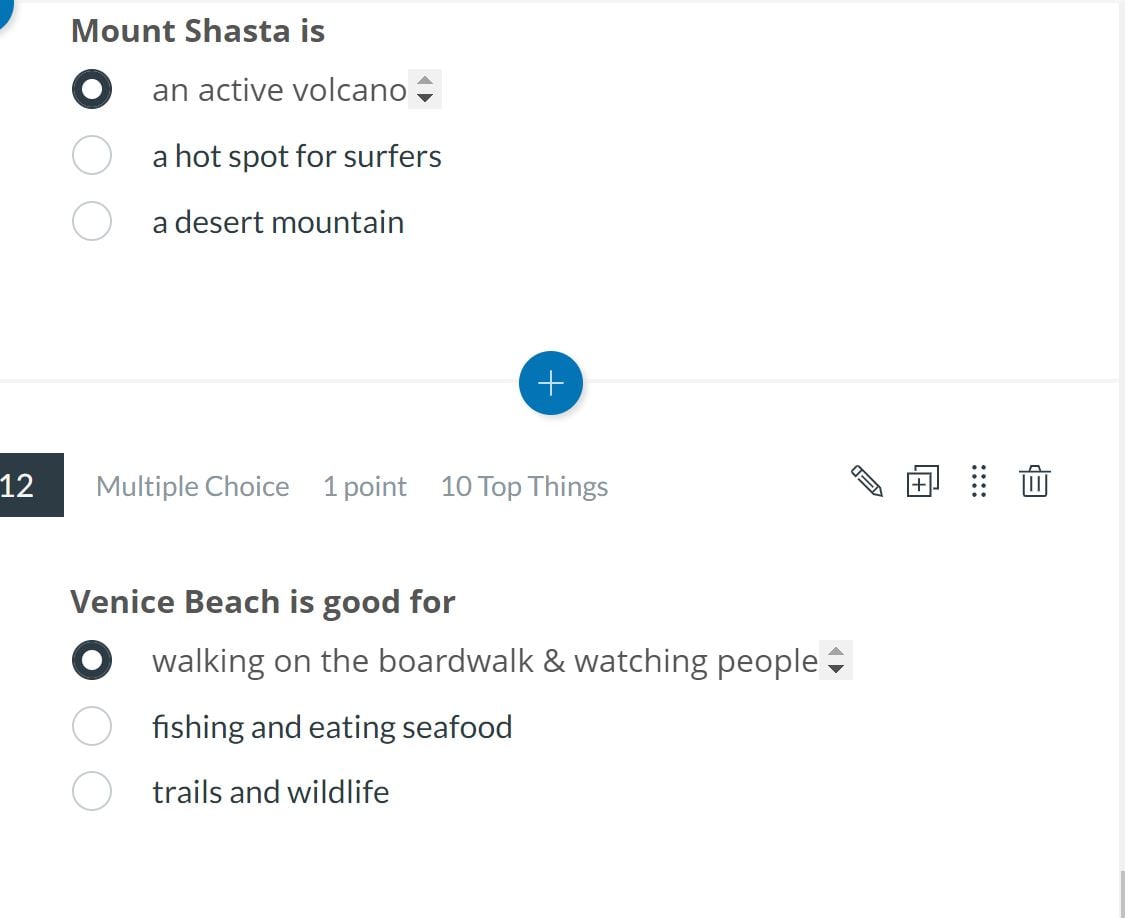
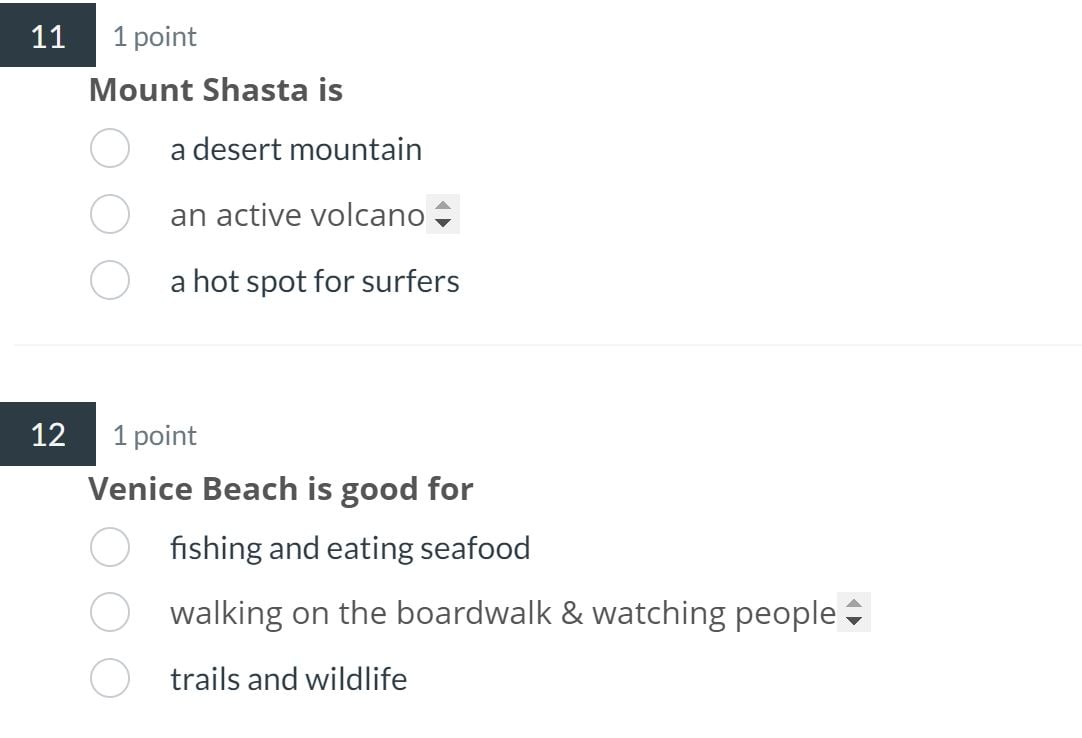
I opened my module this morning in preparation for a Zoom with my ESL students. In checking one of the New Quizzes, I found that there were little arrows next to some of the correct answers in multiple choice questions. I checked "Preview" and found that the arrows were also visible there. This has never happened before. I tried to monkey with the questions, switching the "correct" answer to one of the others. Still the arrows are there. Any ideas?
Thank you both. I ended up just deleting those correct answers completely and typing them in again. When I tried "copy & paste" before deleting, that did not work. The quiz was from a course I imported from last spring, but I hadn't had trouble with any other one. Some kind of corruption, though, might have been the problem. Out of 15 multiple choice questions, there were only 5 that appeared that way. And James, looking at the HTML would have been interesting, but I'd already fixed them when I saw your suggestion. That will be something to do if it ever happens again. Thanks again!
Hello,
I'm not seeing that in my Chrome browser so this might be a browser issue. Try a different browser or be sure that your browser is up-to-date.
@bratsj58
I wonder if there is something about those particular answers, other than just being the correct response, that is causing the arrows to appear?
Have you tried using the HTML editor view on the possible answers? It's the < /> at the bottom of the Rich Content Editor.
Those up/down arrows can appear when you have a specify type="number" on an input. That should not be a problem here. It could also mean that there is more than is not shown and you need to scroll to see it. I tested entering more than one line and it showed all of them, so it's not something quite so simple.
That's why I hope that looking that the HTML of the answer might show up something. For simple responses like yours, there should be an opening paragraph element and a closing one with the text in the middle. If you see other things like span elements, try taking those out.
Enhance your access to articles, forums, and events—and to participate by sharing insights, engaging in discussions, and connecting with your network of edtech peers.
I'm working with a faculty member who is creating a writing quiz that asks students to respond to questions from 3 different banks (one pulling easy questions, one pulling hard/rewrite questions, and one pulling from an AI bank). There is some kind of glitch happening whereby students are getting duplicate questions from…
This is incredibly frustrating. I use a rubric with imported outcomes to grade my assignments. Each problem is mapped to an outcome, scored on a scale with 4 tiers (the upper 2 tiers granting mastery). For a few of my students—not all—grading a new assignment deletes their earned mastery on an earlier, unrelated…
Our institution is setting up 9 institutional outcomes in Canvas. Several of our outcomes have multiple skill sets within the rubric. For example: Critical Reading – Skill Set A Critical Reading – Skill Set B Critical Reading – Skill Set C Our understanding is that Canvas Outcomes data reports can provide the overall/total…
I am just curiousas to why there is not a field to enter a description for an outcome at the account level? Or at least edit the rating when you attach/link an account level outcome to a rubric. When you create a new criterion for a rubric, you enter a decription for a rating, but for an account level outcome.
We use a pre- post- model to measure learning which requires student-question matching from two time periods. This requires exporting quiz data to CSV to do the analysis properly. (I can get into more detail if needed.) The New Quizzes Student Analysis CSV export has repeated blocks of ItemID then columns related to that…