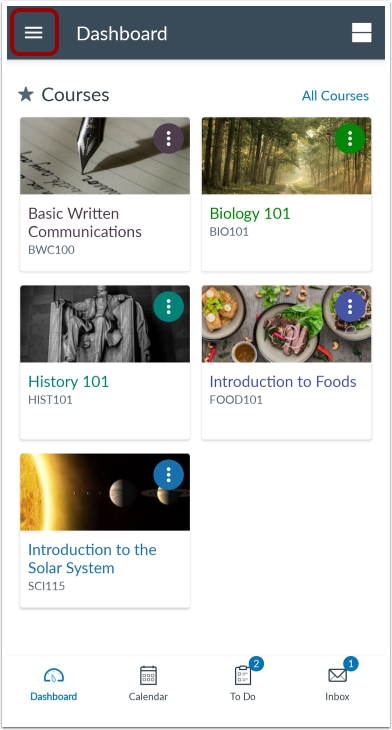
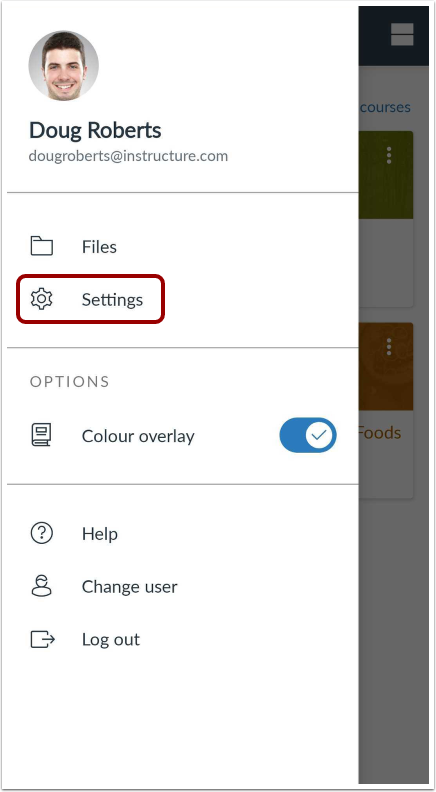
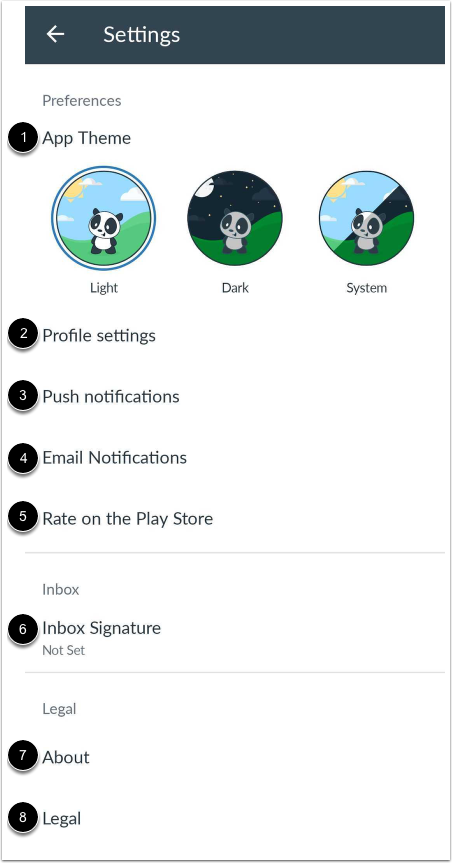
You can manage your personal settings in the Canvas Teacher app.
This lesson shows images for a phone display; however, unless otherwise noted, the steps are the same for tablets.
Language settings cannot be managed from the Canvas Teacher app. The app will display the language set from a user's account settings in Canvas. If that cannot be found, the app will display the device language. To change the language displayed in the Teacher app, select a language in Canvas from a web browser, log out of the Teacher app, and log in again.
Note: General settings for the app, such as clearing the cache, can be managed in the Application manager within your Android device settings menu.