From the Help Menu, you can get help with Canvas directly on your mobile device. Help Menu links may vary across institutions.
This lesson shows images for a phone display; however, unless otherwise noted, the steps are the same for tablets.
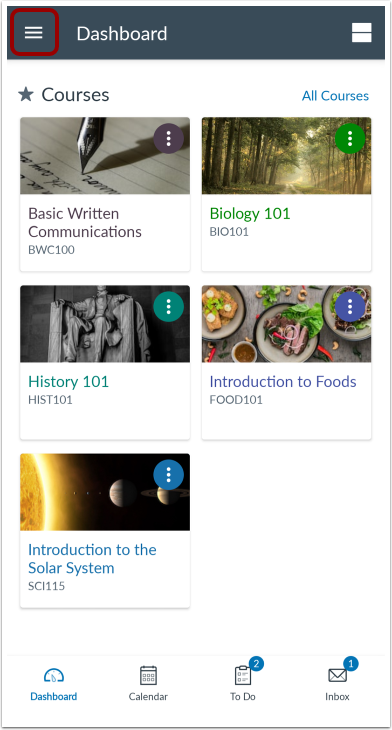
In the Dashboard, tap the User Menu icon.
Open Help
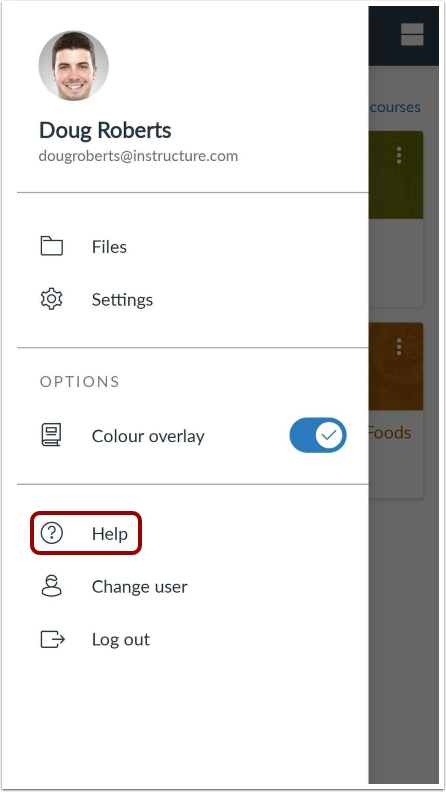
Tap the Help link.
Note: Depending on your institution, the Help link name and icon may vary.
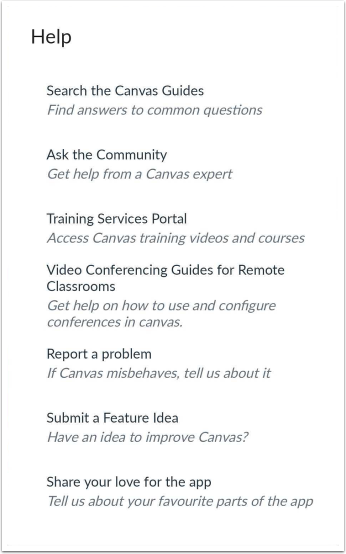
View Help Menu
View the Help links provided to you. Available links may vary by institution.