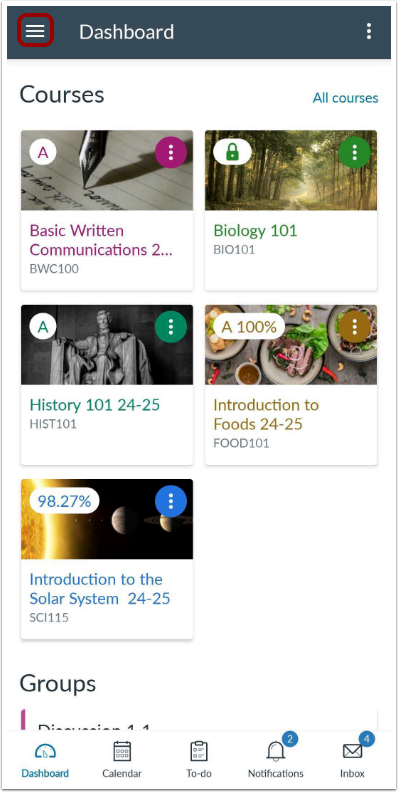
In the Dashboard, tap the User Menu icon.
Open Bookmarks
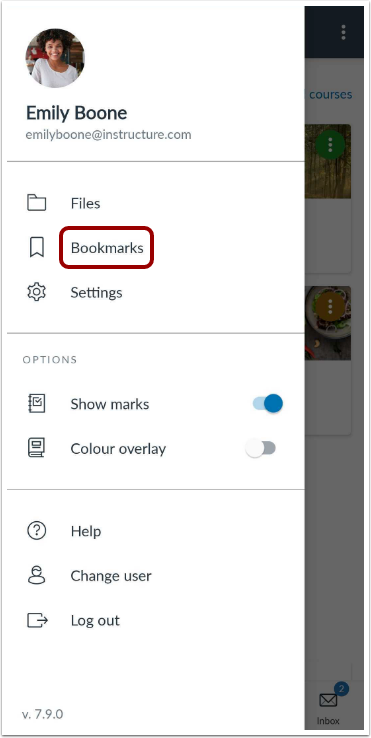
Tap the Bookmarks link.
View Bookmarks
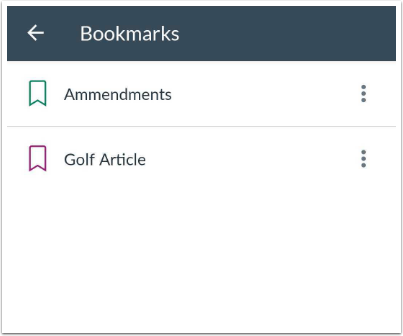
View your bookmarks in the app.
Manage Bookmarks
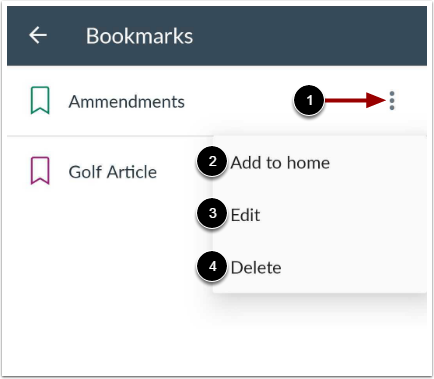
To manage your bookmarks, tap the Options icon [1].
If supported by your device, you can add a bookmark to the Home page of your device by tapping the Add to home link [2].
To edit the name of your bookmark, tap the Edit link [3].
To delete the bookmark, tap the Delete link [4].