In Settings, you can sync the Canvas Calendar to a Google Calendar.
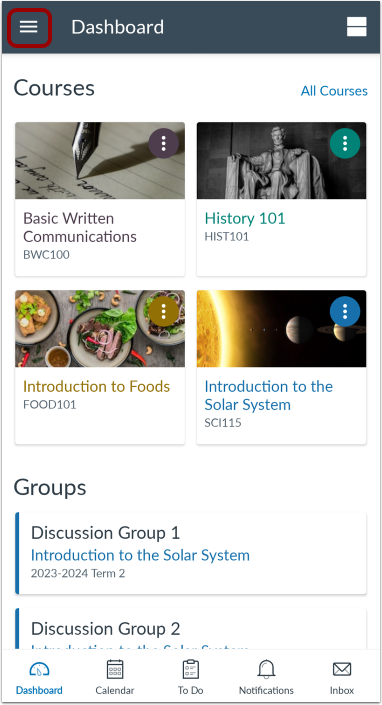
In the Dashboard, tap the UserMenu icon.
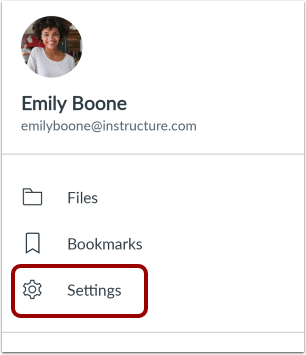
Open Settings
Tap the Settings link.
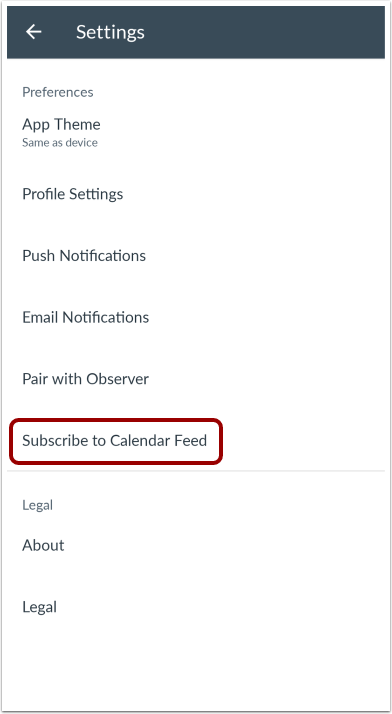
Subscribe to Calendar Feed
Tap the Subscribe to Calendar Feed link.
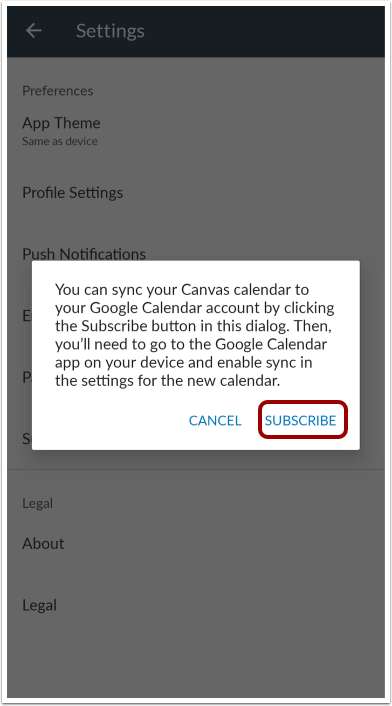
Sync Calendars
To sync the Canvas calendar to a Google Calendar, click the Subscribe link. Then log into the Google Calendar app to enable the sync.