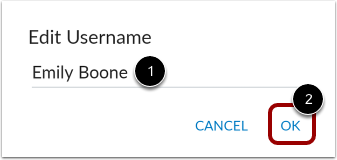
If your institution allows you to edit your user name, you can edit it in the app. This is the name that users see in the app.
The images in this lesson are shown for a phone display, but unless otherwise noted, tablet displays mirror the same steps.
Notes:
- Changing your user name in the app will also change your user name in your browser version of Canvas.
- If you cannot change your user name, your institution has restricted this feature.
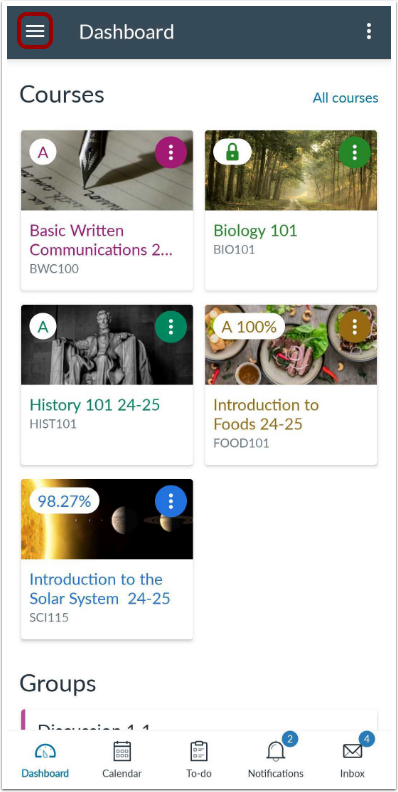
In the Dashboard, tap the UserMenu icon.
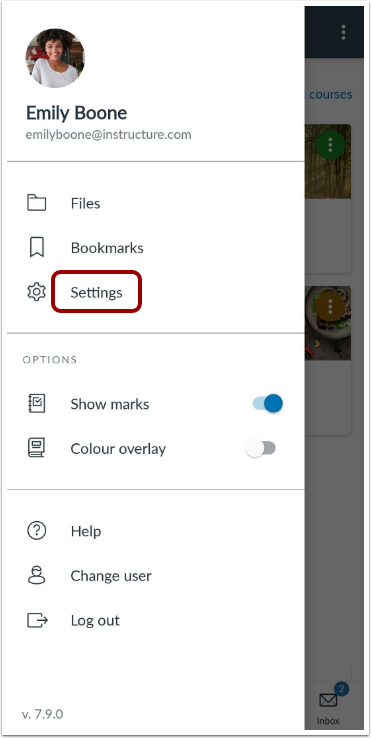
Open Settings
Tap the Settings link.
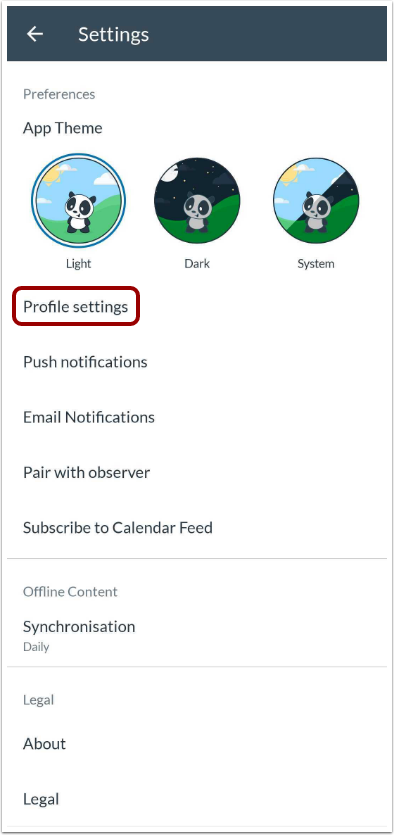
Tap the Profile settings link.
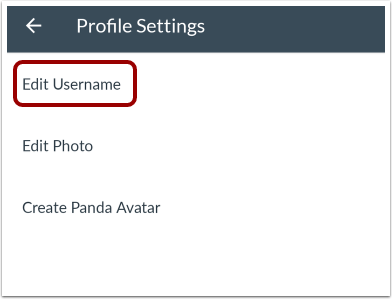
Edit Username
Tap the Edit Username link.
Type your user name in the Edit username field [1]. Then tap the OK link [2].