My usual community forum presence is in the Canvas Developers group. I'm also planning on asking our CSM about this, but I'm curious to know from the general community why a simple audio playback interface is not available when inserting media that is 100% audio only, yet the playback interface makes it look like a video. Simple HTML5 audio player varies between browsers, so I suppose it could be just trying to make it consistent for all users regardless of browsers. A few months ago lately the media playback interface has been updated such that all media is minimized by default (like it would be for a DocViewer supported file), and then when clicked on it expands/maximizes to a ginormous size that takes up way too much screen real estate needed for a simple audio player.
Prior to June of 2024:
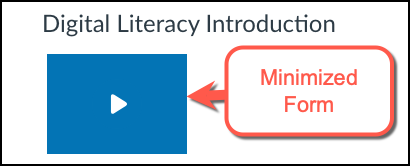
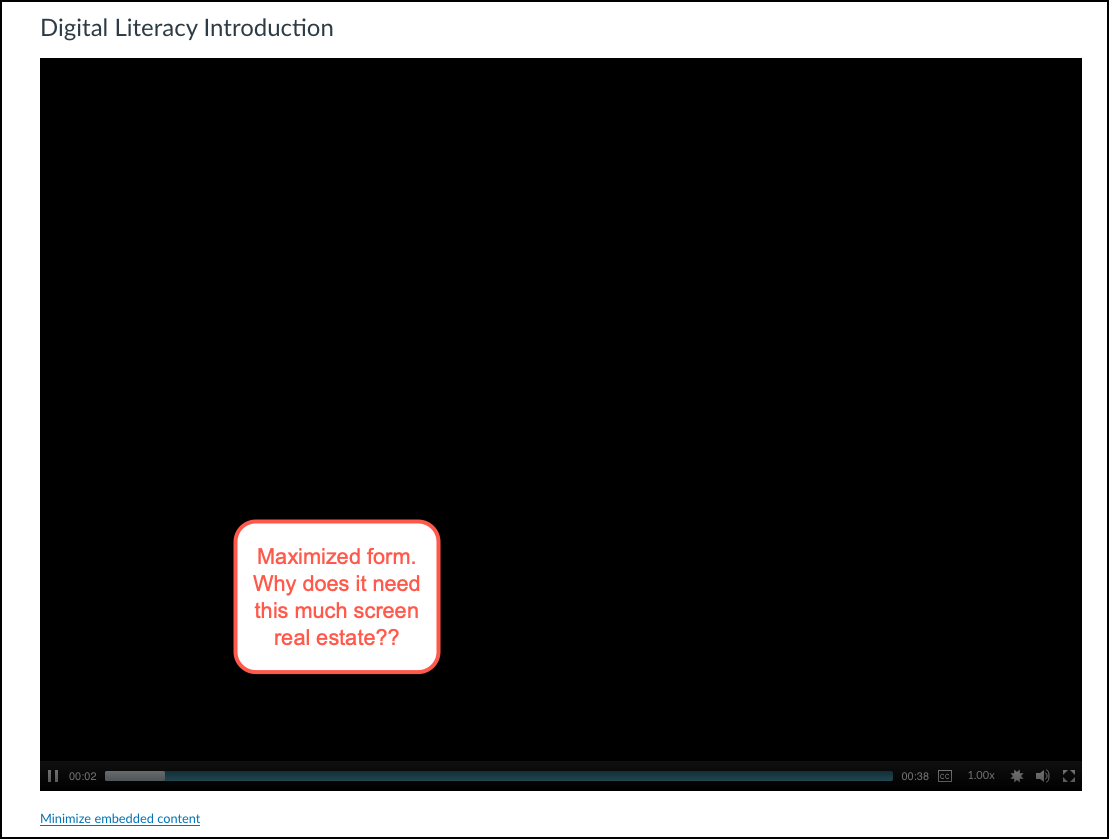
When copied to a new shell it's 'reduced' to this interface:
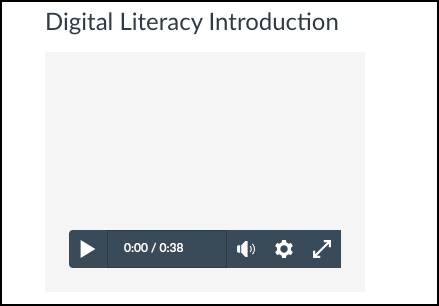
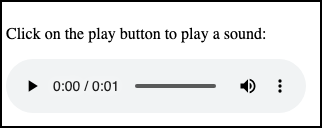
While it doesn't expand when the play button is clicked, it still seems like it could look more like a simple audio player with no need for a visual area (i.e. for video). Here's the simple version that appears for a HTML5 audio element for Chromium/Edge/Chrome:
In short, the current media playback player seems like could have additional options for course designers to make better use of the screen real estate, such as the case for foreign language courses. We're already seeing some poor performance of pages loading multiple instances of the playback engine and failing to display them all. For example, here's one for embedded videos for an ASL course:
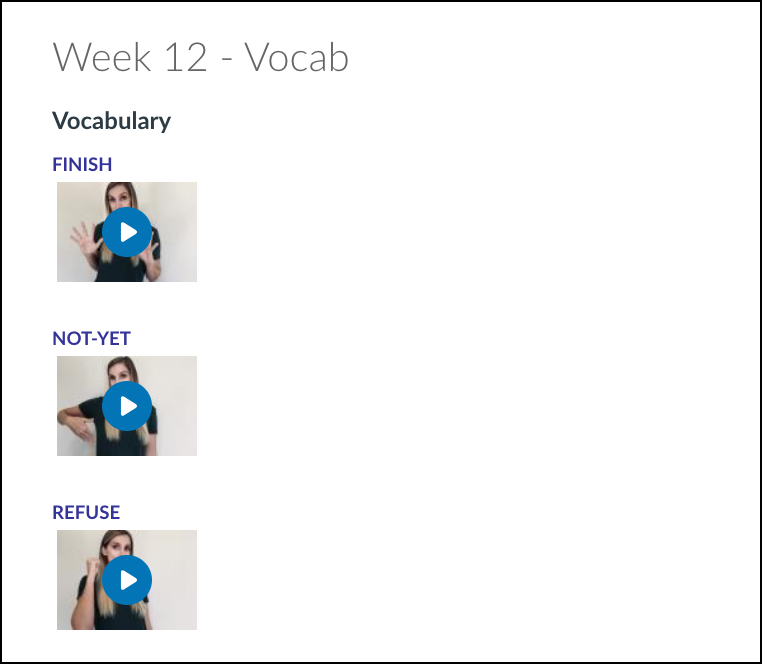
When copied forward to a new course shell it breaks further down the page:
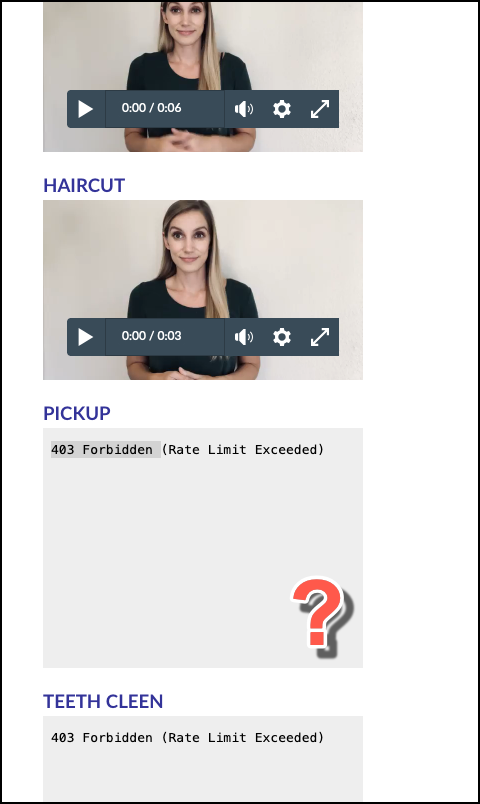
I've got a few tickets raised with Support about this because I'm curious what the community thinks and also worried about what Instructors returning for Fall 2024 will notice different about their content when they set up their courses using their Spring 2024 course shells as the source to copy from.