You can save your projects as drafts before you publish them to your profile.
Open Profile
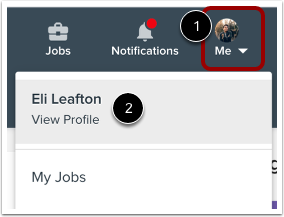
To open your profile, click the Me icon in the top menu navigation [1], and then click the View Profile link [2].
Open Drafts
Click the Drafts tab.
View Drafts
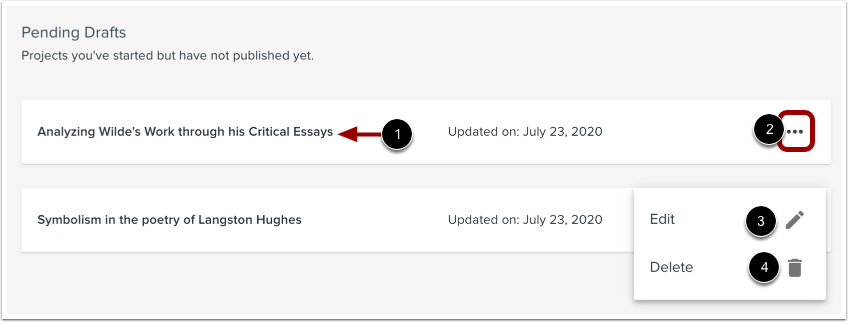
Your project drafts display on the Drafts page. To view a project, click the project's name [1]. To open the project Options menu, click the Options icon [2]. To edit the project, click the Edit icon [3]. To delete the project, click the Delete icon [4].