There is a blue button that appears in SpeedGrader in the teacher view above the field where the Assessment Grade appears (see image below). The assignment has Turnitin enabled through the "Plagiarism Review" option in the assignment settings so I assume it's related.
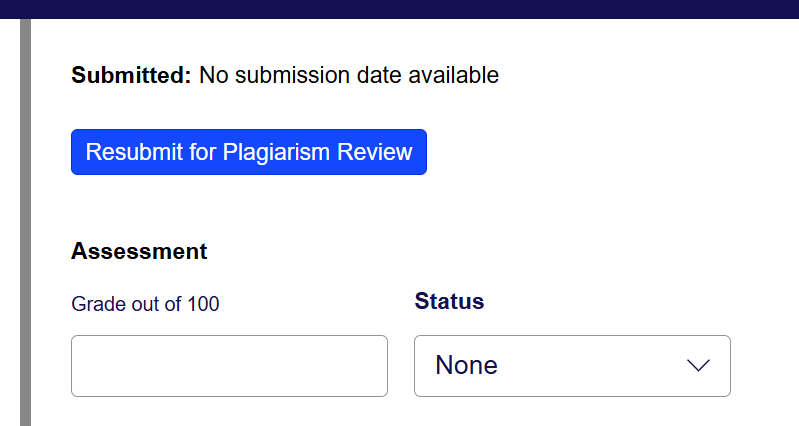
When you click the button you get the following popup, even if there was no student submission.

I don't understand the context. Is the idea that the teacher can resubmit the assignment to Turnitin if Turnitin failed to produce the review the first time? Or is it if a student is allowed to submit more than once that the teacher has to manually run the Turnitin plagiarism tool again? I can't find screenshots of this button anywhere.

