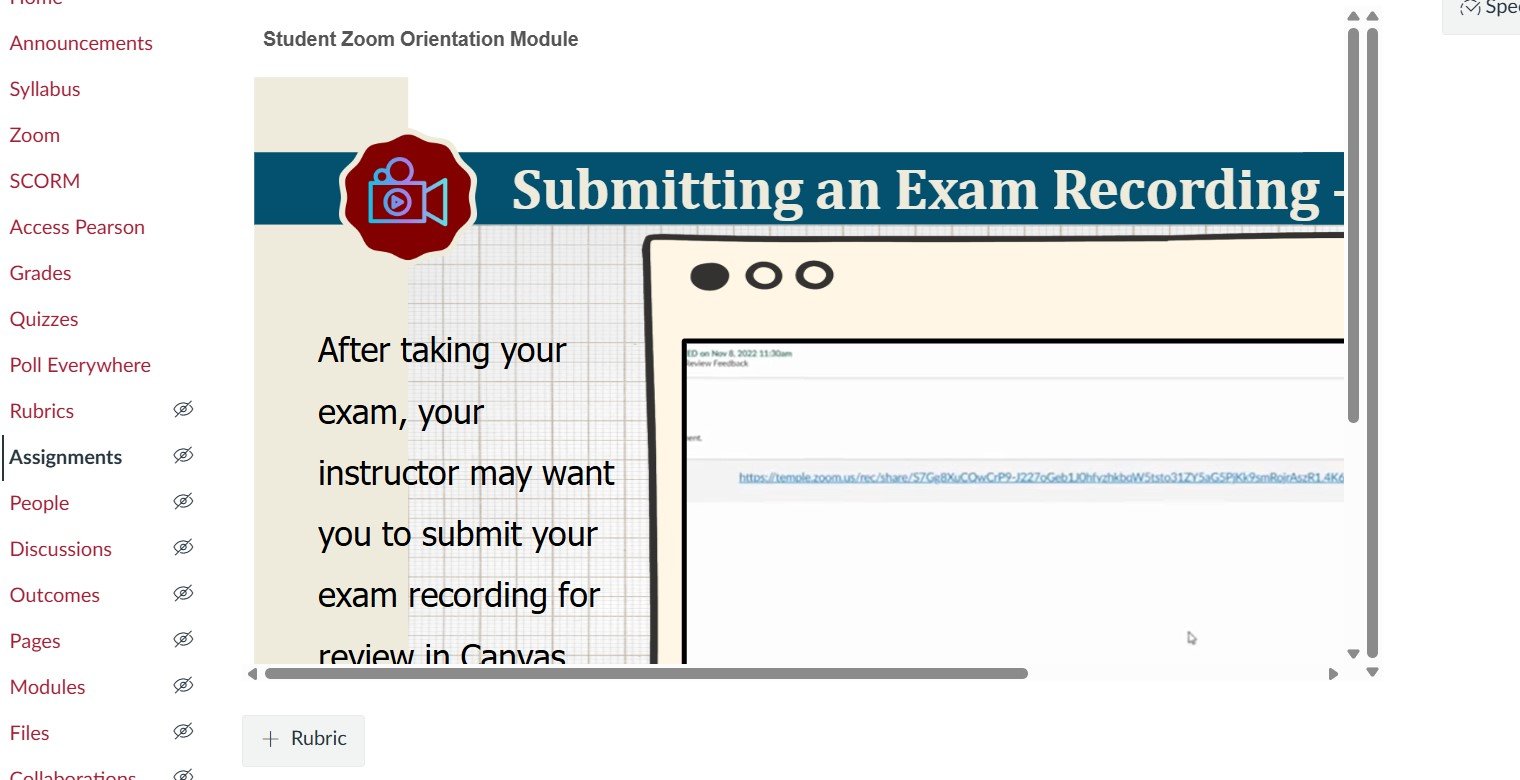
I uploaded videos to the SCORM page and added them to the Assignments page.
When I view them, the videos appear shortened.
How can I expand them?
The simplest option is to check the option to open the assignment in a new tab or window. If that's not ideal for your situation, it may be necessary to add some custom CSS to your theme (which an admin would need to do) to increase the max-width of the main content display wrapper and potentially add a min-height to the SCORM iframe.
Apologies for keeping you hanging! The easy solution of opening in a new tab or window is in the Assignment Settings. In the "Submission Type" area, select the "Load This Tool In A New Tab" checkbox. You can still include the typical assignment instructions in the text editor above, but students will be presented with a button to launch the SCORM in its own window. They'll need to allow popups for Canvas to see it.
The more advanced option would require an admin to add some basic CSS to your theme. By default, it looks like Canvas limits the overall application width to 1366px. Something like the following will extend that setting to something a bit more realistic, for example:
body:not(.full-width):not(.outcomes) #wrapper.ic-Layout-wrapper {
    max-width:1800px;
}
Notice there are a couple of exceptions applied to the setting, specifically for pages intended to run full-width, like Speedgrader and Outcomes.
After we did this at my organization for some subaccounts, we also didn't like how SCORM that we do want to load on the assignment page looked, so we adjusted the height on the iframe in that case:
body.assignments iframe.tool_launch {
 height: auto!important;
 min-height: 600px!important;
}
With the new SpeedGrader UI, we are seeing student names appear in the page title even when the “Hide student names” setting is enabled. When using Classic Quizzes, there is no option within the quiz settings to enable anonymous grading, so we rely on instructors using the hide student names setting in SpeedGrader to…
Speedgrader chaning file name when being downloaded. Speedgrader: When downloading a submitted assignment, the file name is being changed to an unrecognizable name — (Student's actual name was part of the file name — changed for privacy.) Ideas???
We are all familiar with the standard Course Calendar, where assignment due dates are automatically added. However, at my institution, we structure our assignments as Challenges that develop over a period of time, rather than just a single deadline. Currently, the calendar only highlights the "end point." It would be a…
The current placement of the "Submit" button creates a "slip" in user behavior where habit-clicking "Next" leads to an accidental final submission. I think Canvas could easily fix this by: Moving the Submit button away from the navigation buttons (maybe above the question instead of below it) and/or Adding a "Confirm…
This is my first time using the new discussion "checkpoints". I'm hoping the multiple due dates are effective, but using the "checkpoints" does seem to create other problems: They only allow for ONE "reply to topic". The way I use discussions in some of my classes is to allow for students to ask MULTIPLE questions per…