The To-do List Widget on Canvas (iOS) app for iPad and iPhone doesn’t show the material. Canvas reverted back to the older version of the To-do list but it doesn’t work. When you click on the widget it opens to the To-do list but does not show the material listed.
The calendar section allows me to add a “New To Do” which shows on the To-do List Widget but when I click on the widget it goes to the To-do list section.
Canvas program writing is only calling for the calendar section to be pulled into the widget but not the actual To-do-list material.
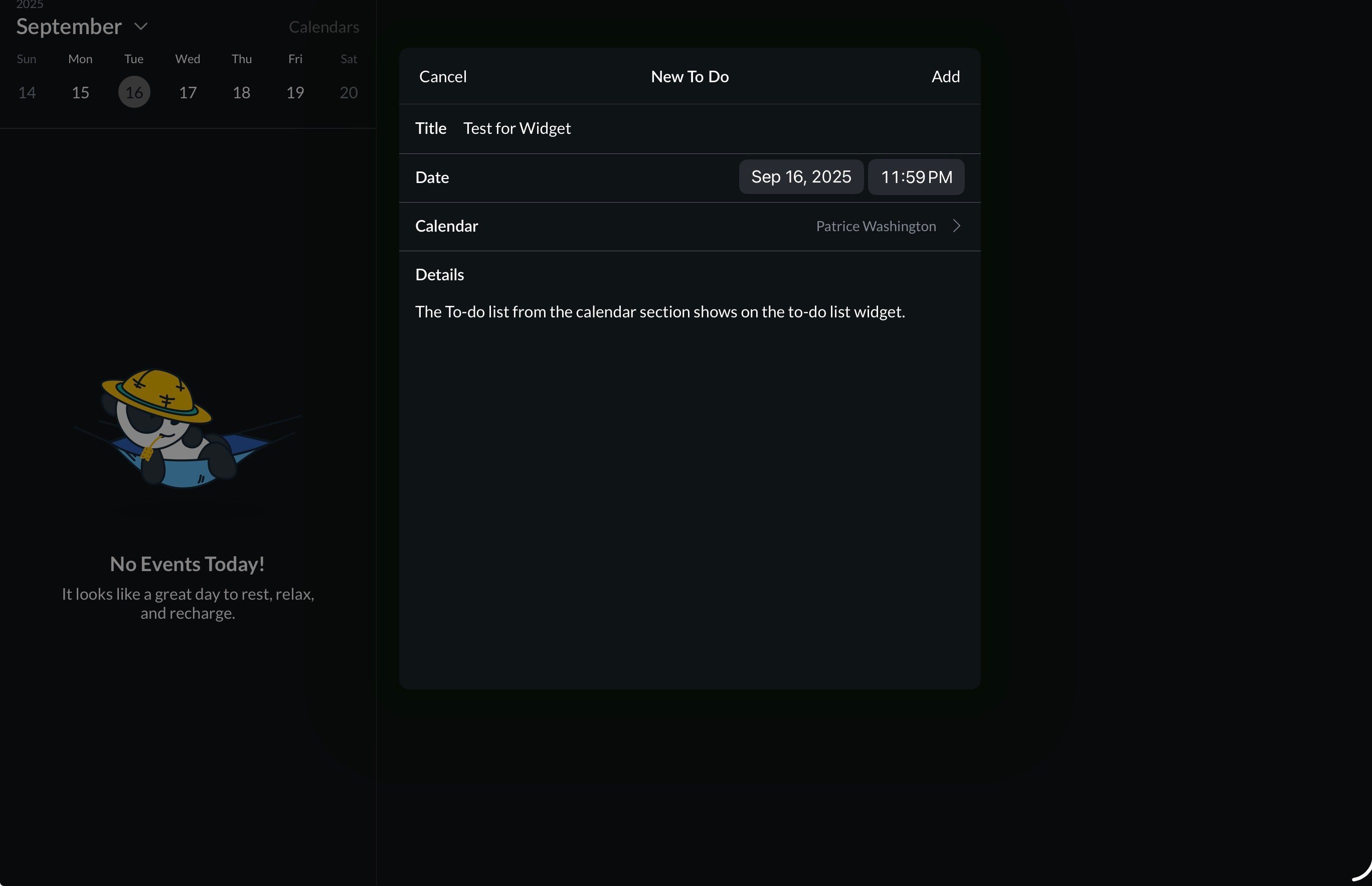
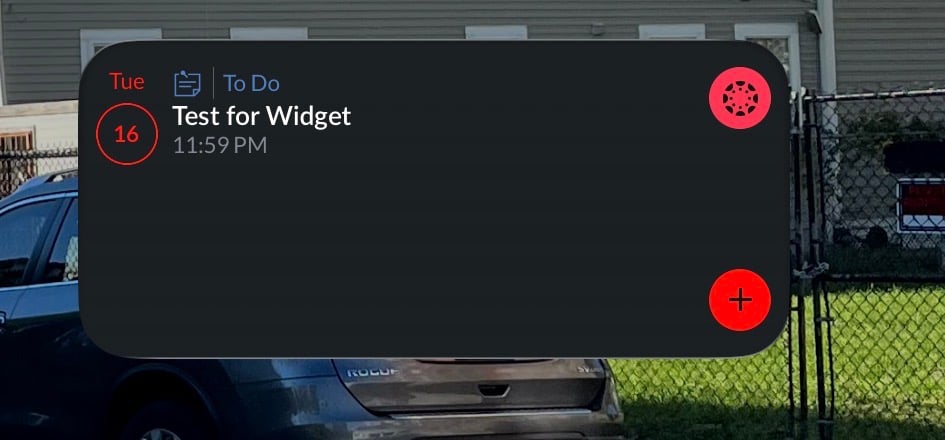
SOLUTION Before Update (Work Around): Before Canvas reverted back to the older version of the To-do List Screen, the same issue was happening (which is probably why they reverted back). I got it to work by adding (+) a “New To Do” from the calendar section. After adding from the calendar section, all material from the To-do list section pulled into the widget.
