Overview
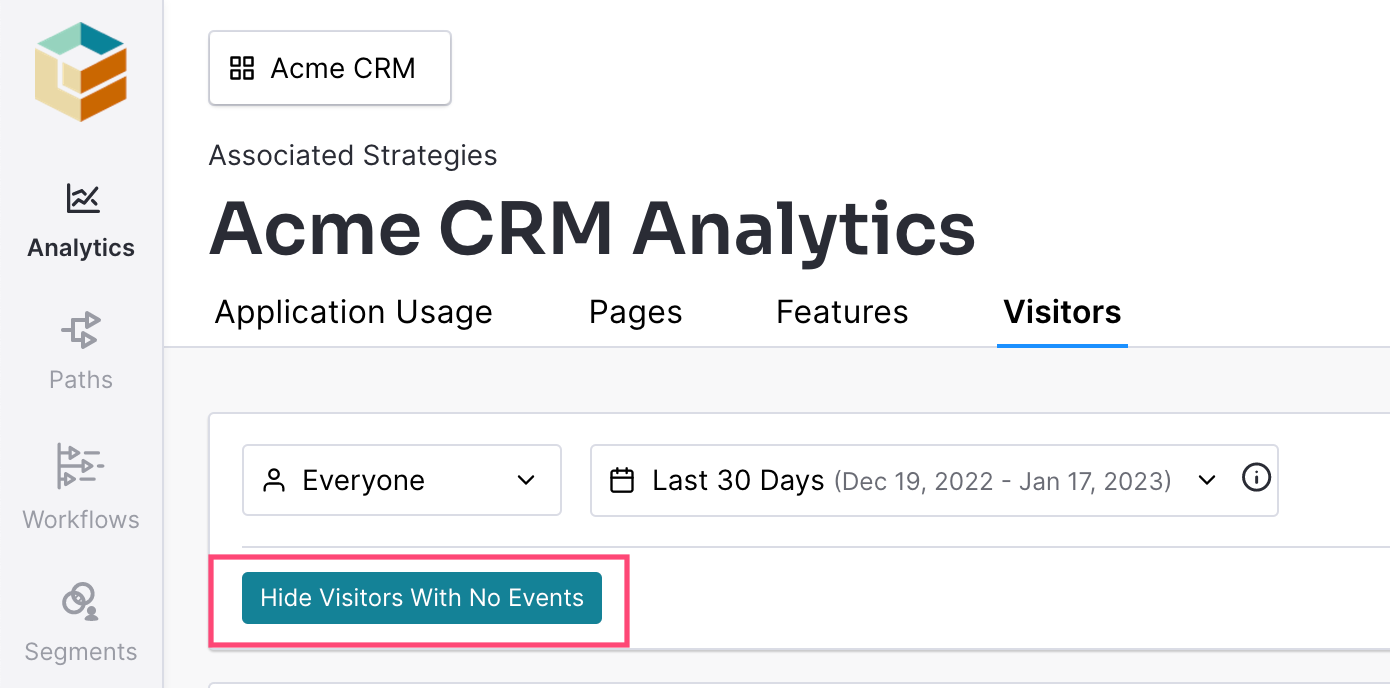
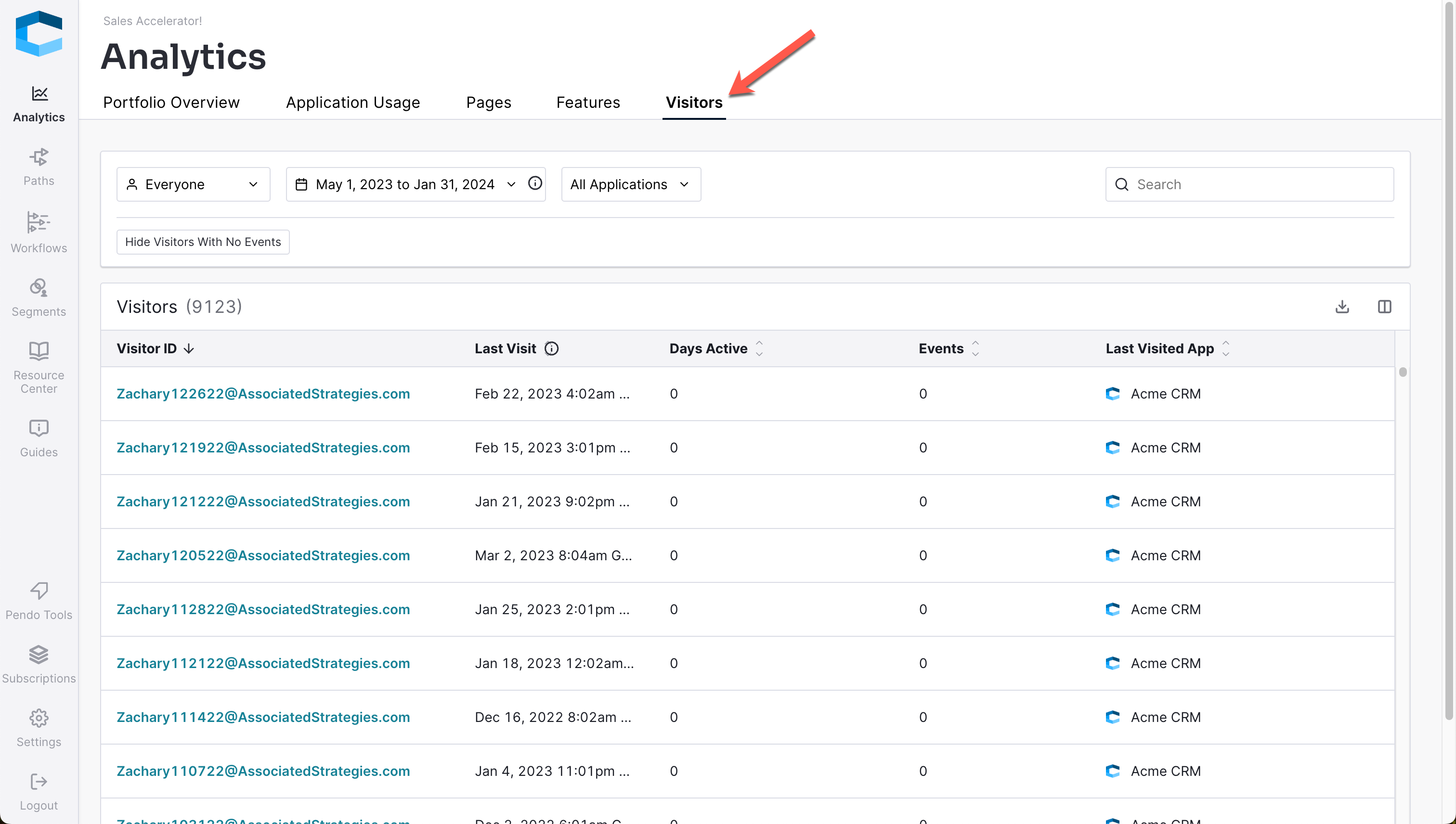
A visitor is a single individual user that logs into your application. You can access the Visitors Tab via the Analytics Tab.
Visitor Details Overview
You can view details on an individual user in your Impact Subscription by navigating to Analytics > Visitors and clicking on a user's Visitor ID.
Visitor Details Breakdown
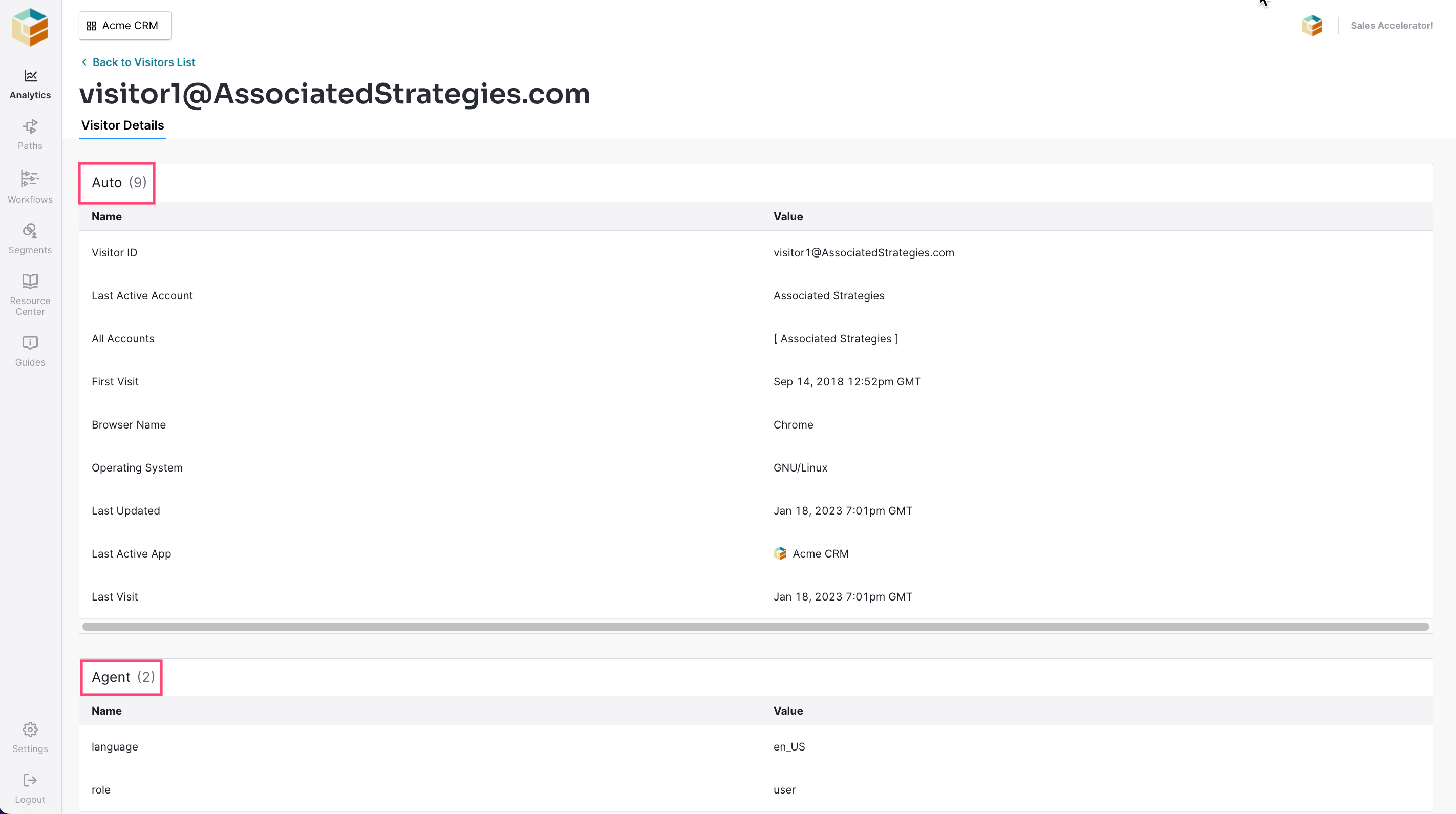
Visitor details correspond to the metadata sent in with the last recorded event. Although metadata can change over time, Impact only shows the most recently received values, regardless of date or app filters applied.
Auto
This metadata automatically updates when a user visits a page in your application and passes the fields to Impact. These fields are standard to each user. Auto is the default metadata Impact creates (cannot be modified).
Agent
Any metadata values that are being passed to Impact via the agent. Metadata from Agent can be defined in the snippet that the Partner uses when installing Pendo (powers Impact). If there are metadata values not defined here that you think should be, reach out to your Partner vendor to ask them what can be added.
Additional Options
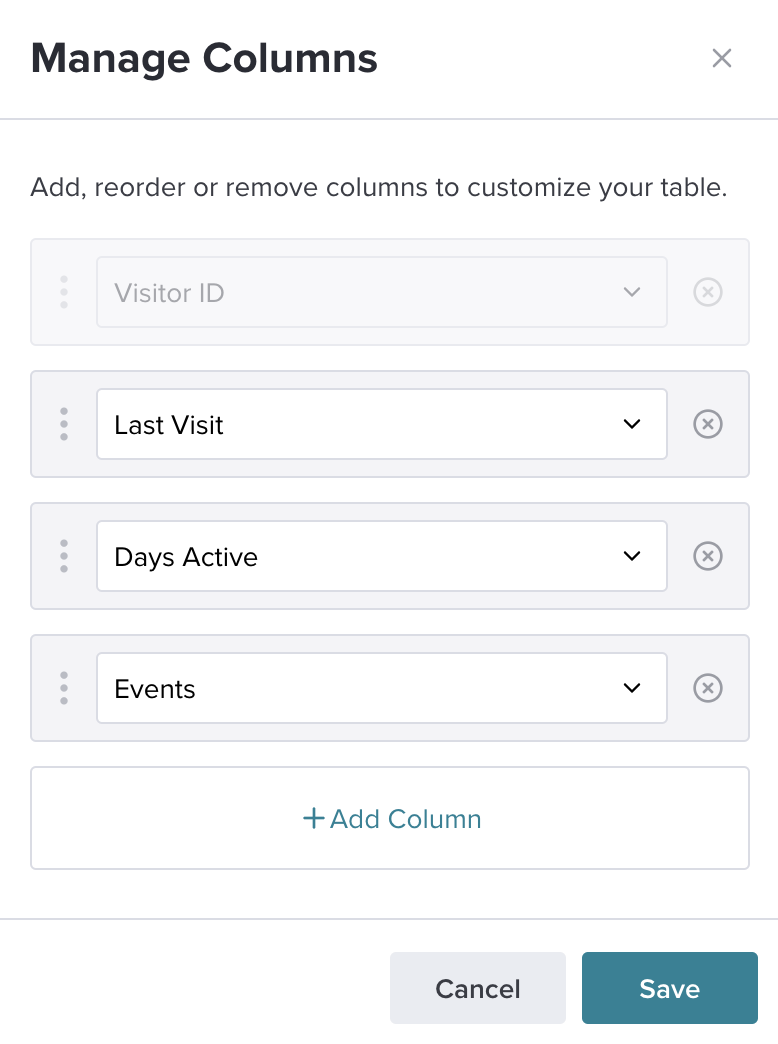
Edit Columns
You can adjust the columns on the Visitors page by clicking the  icon.
icon.
Each column is based on a visitor metadata value so you can customize your view as you desire.
Download As CSV
If you need to download a particular set of users, click on this icon  to get a CSV download.
Hide Visitors With No Events
Enable this filter by clicking it once. Click it once more to turn the filter off. The "Hide Visitors With No Events" filter will allow you to only see visitors who have events captured.