At the request of stefaniesanders, I am creating this resource for those who, like me, use a lot of media files in their courses and would like to be able to organize them in a way that is less visually overwhelming.
Background
When I taught my Humanities courses in Blackboard, I had a one-page list of text-based links that collected all the audio files used in the course and linked to them in one place, using a table that also listed the respective Lesson and book chapter the file was related to. Clicking would automatically bring up a Quicktime window.
In Canvas, I discovered that if I want to make my audio files playable from inside Canvas, I had two major options:
1. Convert all my audio files to YouTube (or SoundCloud, etc.), house them on YouTube, and insert those links into the master list. (A long, involved process I was not ready to embark upon.)
2. Upload the audio files into Canvas and use native Canvas audio links.
I decided on option 2--and then encountered a series of problems:
Problem 1. When you insert an audio file using the Content Selector, you get a rectangular audio playback icon by default, which you cannot remove without causing other issues (see Problem 2 below):
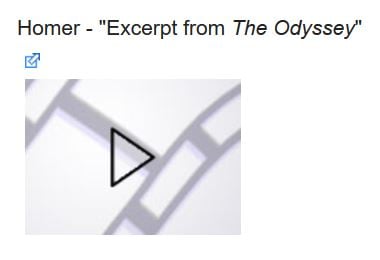
Problem 2. If you go into the HTML and delete the image, and create a text only link, when you click it you only have the option to download the file onto the local machine--the playback isn't embedded in the page.
Problem 3: Clicking on the above audio playback icon brings up an embedded media player that is not the same size and shape as the audio icon itself--and when you click it, the page automatically resizes around it. Also, you can't return to the original playback icon.
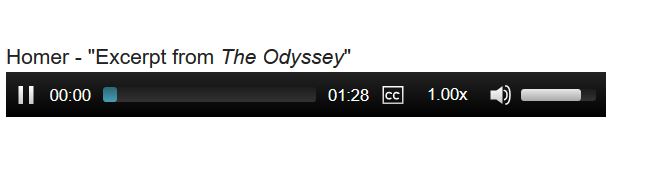
So, I had this huge number (38 in one class; 99 in another) of short audio clips. Putting them all on one page would make it ridiculously long, even if I put them into a table. And then the page would constantly be reformatting itself whenever any of the audio playback icons was clicked, which isn't a blocker but is aesthetically displeasing. I wanted a way to organize the files by Lesson, and I also wanted the page to look reasonably consistent even as students clicked on multiple audio clips on the same page.
Solution
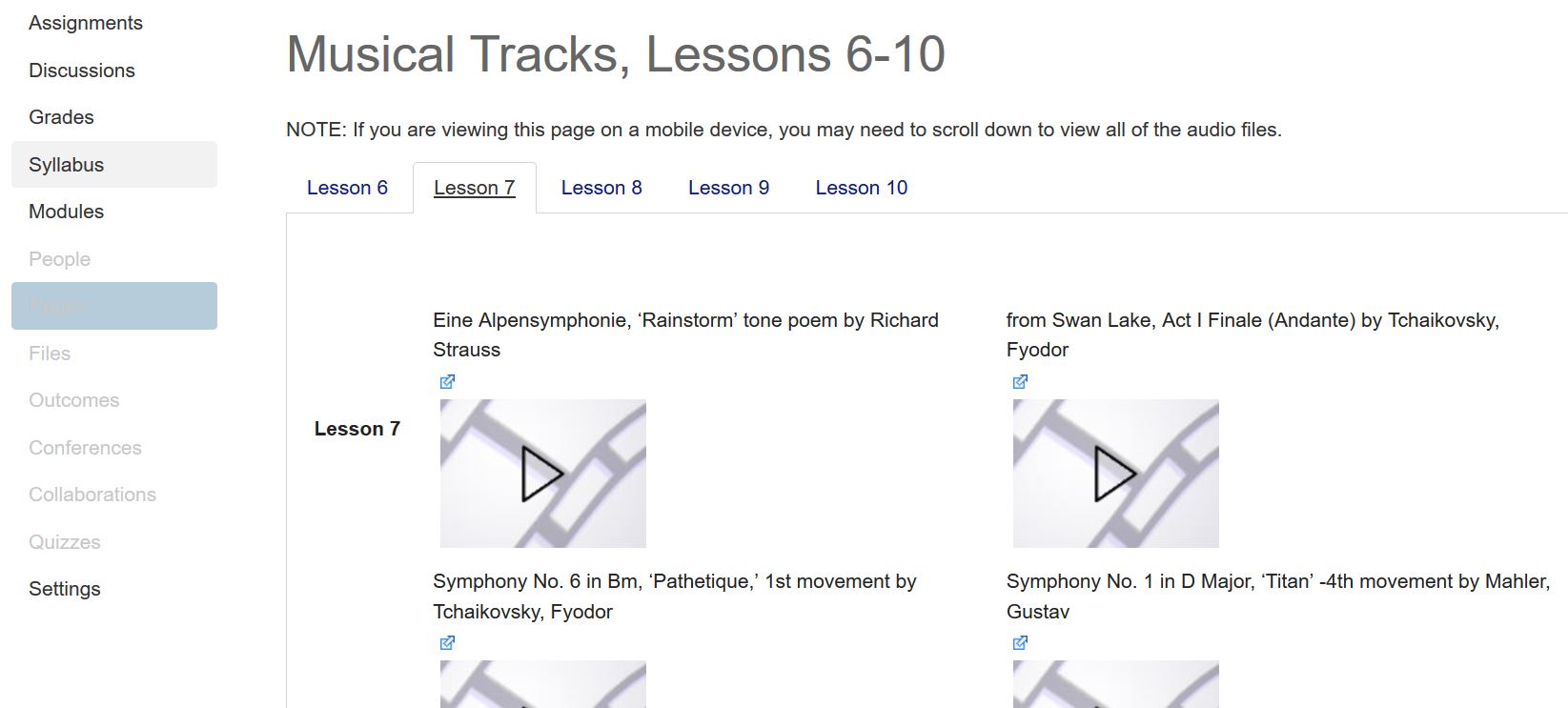
Tabs: I found out that it is possible to create a tabbed interface in Canvas using small bits of Javascript (doable by those who don't write Javascript themselves, i.e. me). In that way, I could create ONE page called Musical Tracks (or two, for the class with 99 tracks) and create a tab for each Lesson, thus cutting down the number of icons on the screen at any given time. I found the instructions for this in a resource called Using jQuery without custom Javascript.
Tables: I found some information on the page Tables and Videos that was useful. On each tab, I created a table two columns wide to hold the audio files for that Lesson. I defined a preset height and width for each cell that would accommodate both the initial audio icon and the playback bar. The result looks like this:
Code (sample, with 3 tabs):
|
Lesson 1Homer - "Excerpt from The Odyssey"" data-api-returntype="File">
|
Lesson 2Euripides – "Excerpt from 1st chorus of Orestes"[file path]" data-api-returntype="File">Ancient Greek Music – "Excerpt from Second Delphic Hymn"[file path]" data-api-returntype="File">|
Ancient Greek Music – "Excerpt from Hymn to the Muse"[file path]" data-api-returntype="File">Ancient Greek Music – "Excerpt from Hymn to Nemesis"[file path]" data-api-returntype="File">
|
Lesson 3Gregorian Chant – "Victimae Paschale Laudes"[file path]" data-api-returntype="File">Gregorian Chant – "Libera Me, Domine"[file path]" data-api-returntype="File">|
Gregorian Chant - "Magnificat"[file path]" data-api-returntype="File">Gregorian Chant – "Kyrie Eleison"[file path]" data-api-returntype="File">|
Gregorian Chant – "Puer Natus in Bethlehem"[file path]" data-api-returntype="File">Gregorian Chant – "Veni Sancte Spiritus"[file path]" data-api-returntype="File">|
Gregorian Chant – "Rex Caeli Domine" - Organum[file path]" data-api-returntype="File">Hildegard von Bingen – "O vis aeternitatis"[file path]" data-api-returntype="File">|
Hildegard von Bingen – "Nunc aperuit nobis"[file path]" data-api-returntype="File">Hildegard von Bingen – "O ignis spiritus paraclitis"[file path]" data-api-returntype="File">
Each TAB includes a separate TABLE within it; each cell has one audio link and stays the same size even when the contents resize. This has turned out to be a good workaround for me so far, in terms of not overwhelming my students with a huge long page of information (which I do enough already) and presenting them with a consistent layout. I hope it's helpful to others, too!