Here's some HTML code that will allow you to use the Rich Content Editor to wrap text around an image on a Canvas page.
Using a Flicker link (this image will appear to the right of the text):
 https://farm8.static.flickr.com/7141/6526425801_5910bfc4a1.jpg" alt="Books" width="164" height="218" />This is an example of how you can use code to wrap text around an image. This uses the "float: right" attribute. Lorem ipsum dolor sit amet, ...
Using an image file of your own (this image will appear to the left of the text):
 https://fsw.instructure.com/api/v1/files/48398934" data-api-returntype="File" />This uses the "float: left" attribute. Lorem ipsum dolor sit amet, in eu amet, quis at dapibus, phasellus porta...
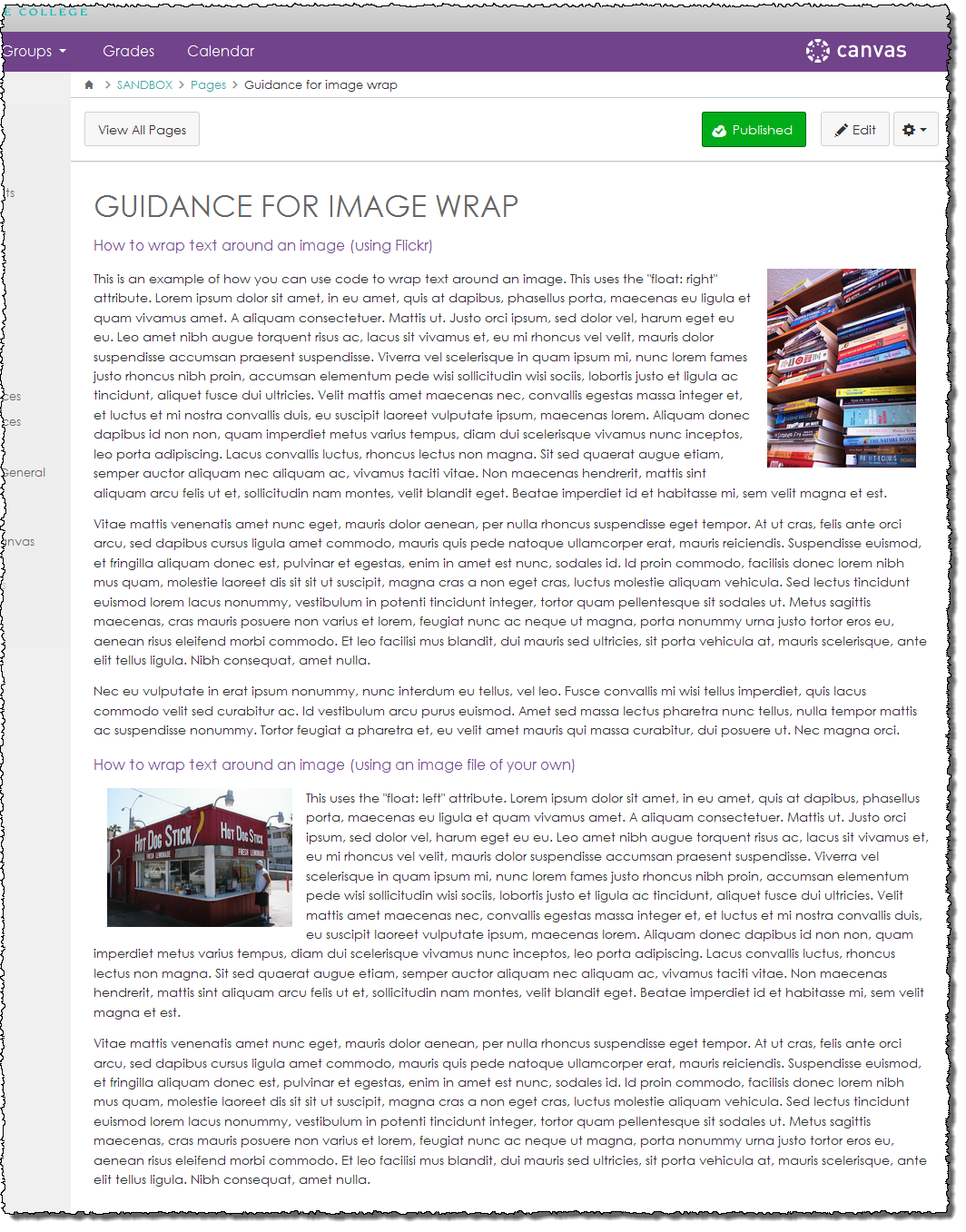
This is how the images will appear in context on the finished page:
[Note: Need help with HTML? Read snugent's awesome blog, Rich Content Editor HTML Cheatsheet]