Classic Quizzes do not have built-in printing functionality. The options in this guide may work in most cases, but the experience is not supported or guaranteed.
Alternatively, New Quizzes includes a built-in printing functionality. For more information, visit How do I print a quiz in New Quizzes?
Print from Browser
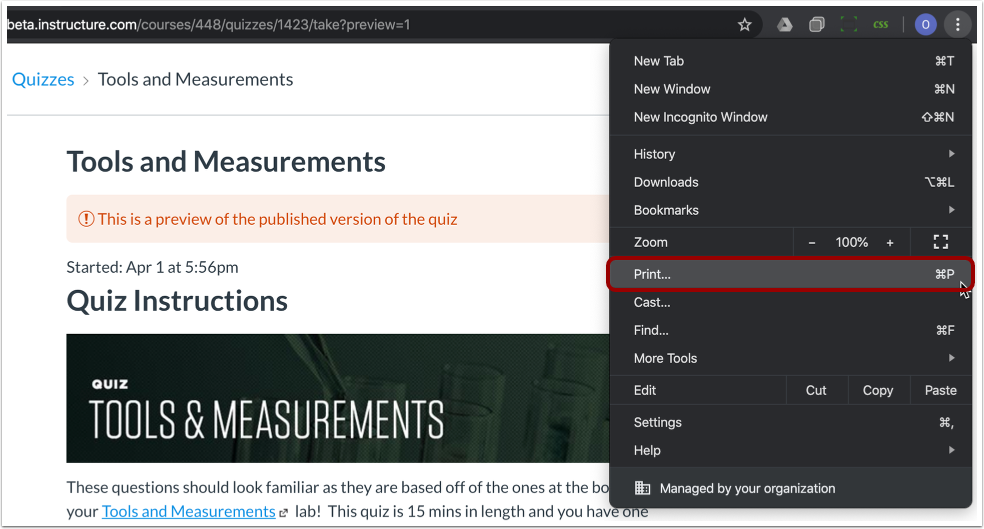
Modern web browsers have the ability to print a web page. You can access the print feature from the browser menu or by pressing Control+P (Windows) or Command+P (Mac) on your keyboard.
Preview the quiz to view a list of questions, and use your browser print option to print a version of the quiz.
Print QTI Files
You can also print quizzes using external tools and services. Contact your institution's Canvas admin to check if your institution offers any of these tools or services. You can download a QTI package of your quizzes in your course settings using the Export Course Content tool.