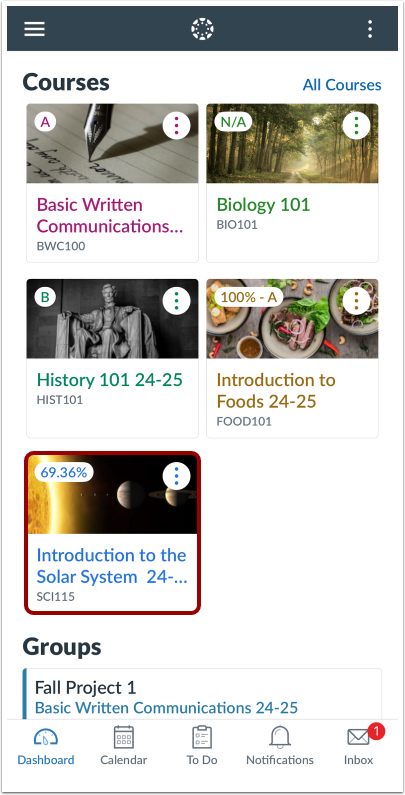
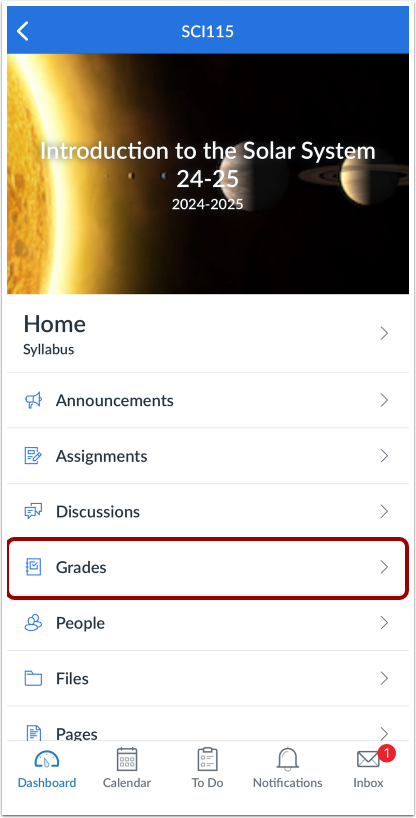
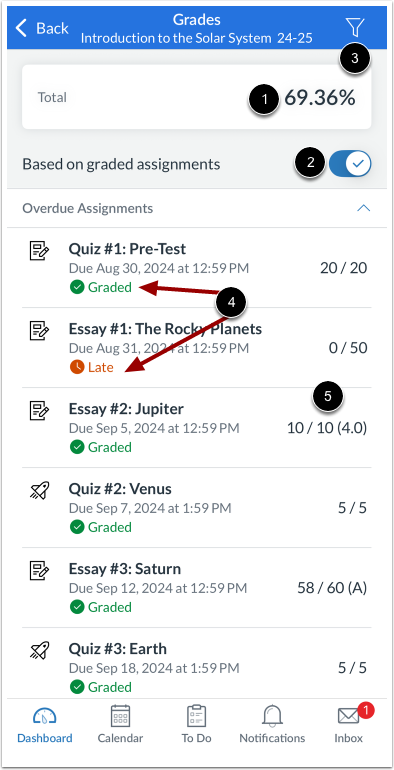
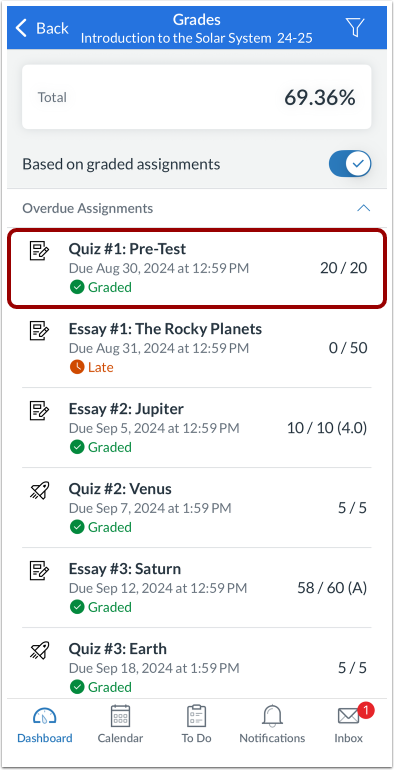
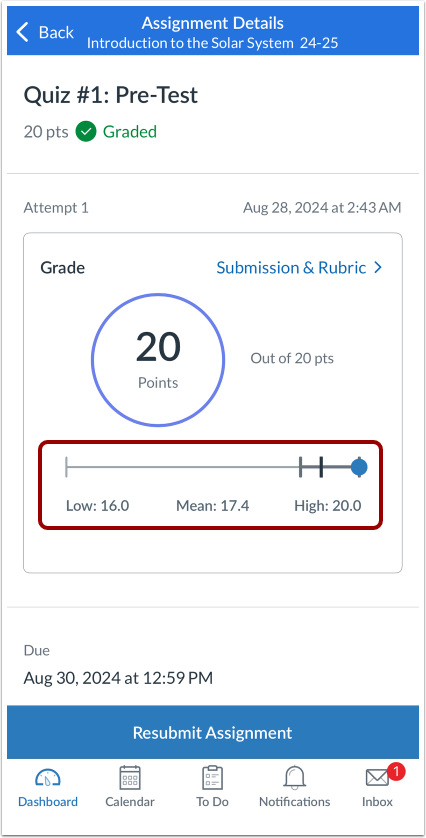
You can view your total course grade as well as your assignment grades in the Canvas app.
Grades are viewed from the Course Navigation link. However, the Course Navigation menu matches the browser version of your Canvas course. If Grades is not available in Course Navigation, it will also be hidden from view in the app.
Currently your total score displays as a percentage, even if your instructor has configured your course grades to display as a point value on the web.
If your course is using Multiple Grading Periods, you can filter grades by grading period. If your course is not using Multiple Grading Periods, the Grades page shows all assignments and grades for the entire course. If the Dashboard does not show a total grade, there are no active grading periods in your course.
If enabled in your course, you may only have the ability to view qualitative data, such as letter grades and grading comments.
The images in this lesson are shown for a phone display, but unless otherwise noted, tablet displays mirror the same steps.
You can also view your grades in the Dashboard and by adding a Canvas widget to your iOS device.