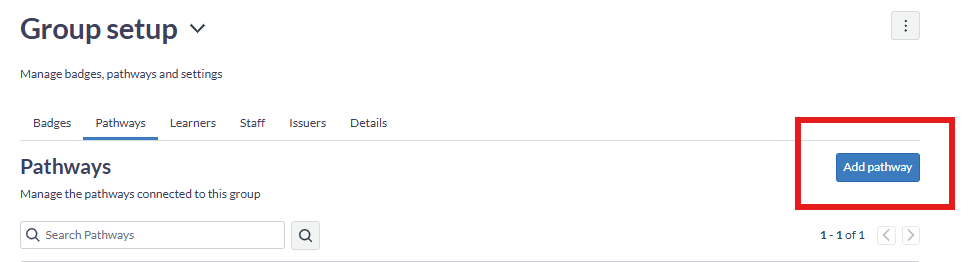
Does anyone know why, as an admin, when I try to add a new Pathway, it only gives me the option to add an existing Pathway?
I can create new badge but not a Pathway. Any ideas?
cheers!
Sam
Hello @SamanthaQuezada
Thanks for posting in the Community!It sounds like this could be the difference between a paid and free issuer. I looked at your account but couldn't see an issuer to try and reproduce the issue. I think our support team would be best to assist with this if you have a paid issuer in which you should be able to create a pathway. Please contact us at parchment-badges-support@instructure.com and we would be glad to assist further!We hope this helps and thanks for posting in the Community!
I have multiple Canvas courses to add to the requirements needed to complete a step along a pathway. Is there a way to copy a step or copy the requirements from one step to another?
Graded discussions do not appear to be eligible as badge requirements in Blackboard Ultra (only assignments, tests, or modules). Is it possible to use graded discussion forums as triggers for badge awards?
I am trying to understand the badge requirements for the "Course Grade" Course Item for the "Complete Item" and "Percentage Score" Trigger Type. I want to award a badge to all students who have scored at least a certain percentage (~90-95%) on every Quiz in the course for a fully asynchronous professional development…
https://api.badges.parchment.com/v2/users/{idOrEntityId} What type of ID should I be using to get the badges and pathway progress for a particular user? I have used all the SIS ID, or the ID as shown on the badger portal, but nothing is working. What kind of the ID does the API call accept? please give an example.
Hi everyone! We began using Badgr through Canvas in 2018. We have always used it with our primary students, specifically grades K-5 and heavily in Kindergarten. It has come to our attention that the move to Parchment will not only require us to pay for this access, but also prevents us from using it with our K-5 students…