Release notes are a key tool for staying up-to-date with any product. Whether you’re a user, admin, or part of a support team, understanding how to read and use release notes can save time and help you get the most out of new features.
What are Release/Deploy Notes?
Release and Deploy Notes provide a high-level overview of updates in the product, including new features, feature enhancements, interface updates, and other notable changes. They are designed to help administrators, instructors, and other stakeholders quickly understand what has changed, when it is available, and how it may impact their workflows. They are not intended to serve as detailed, step-by-step instructions. For more detailed information, see the Release Notes FAQ.
Why do Release Notes matter?
Release notes give you a quick snapshot of what’s new and what’s changed. By checking availability dates, spotting delayed or late-added features, reviewing change logs, and using related guides, you can make sure you’re always up-to-date and ready to use new functionality effectively.
What Should I Look for in Release Notes?
When reviewing release notes, here are some sections to pay attention to:
Beta and Production Availability

Products indicate when a feature is available in beta and when it reaches production.
Note: Some products do not have a beta environment.
Update Overview

Each section lists the update location [1] and title [2].
Affected User Roles

Each feature shows which user roles are impacted by the update.
Different Availability Dates

Some features may have rollout dates that differ from the main release schedule. When this occurs, the notes will include the specific date. If no alternate date is listed, the feature follows the standard release schedule.
Enablement of features

If a feature requires enablement in Canvas LMS products, refer to the Feature Option [1] and Account/Course Setting to Enable [2] rows if applicable. Other product formats may vary.
Delayed Features

If a planned feature is postponed, you can view the date the delay was announced [1] and the environments where the delay applies [2].
Late Additions

Features added after the release notes were published are marked as late additions noted with the date the item was added.
Change Log

Release notes include a change log that lists changes or content updates made after the initial posting located at the bottom of the notes.
Comments and Collaboration
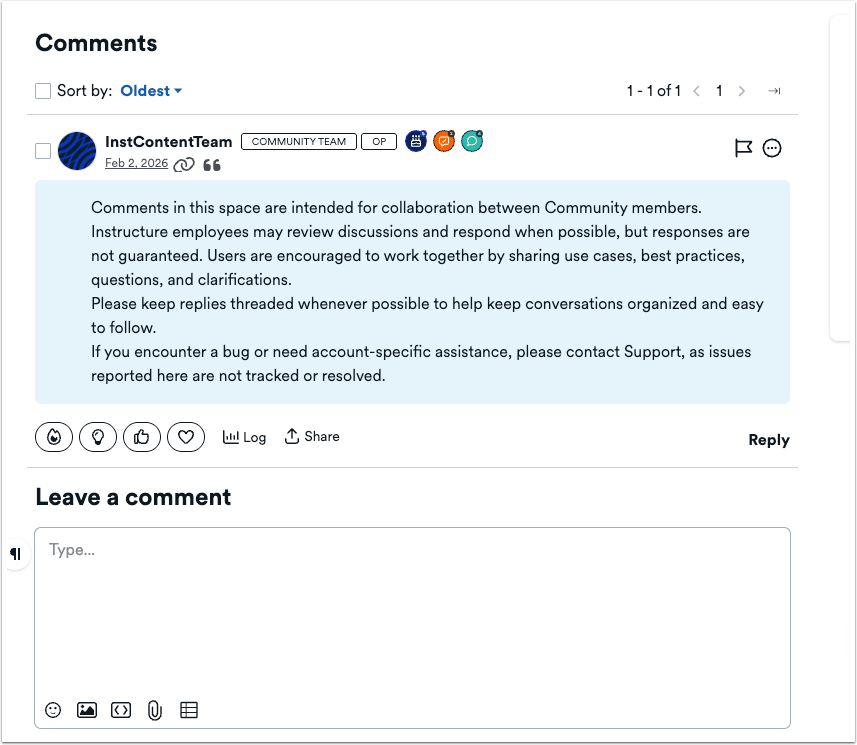
Users are encouraged to work together by sharing use cases, best practices, questions, and clarifications.
When are guides for new or updated features available?
For Canvas features, new and updated guides and related resources are available in the Community on the day of the production release or deploy.
Guide availability for other products may vary. New and updated guides and related resources are typically published in the Community within two weeks of the production release.