As an instructor, your institution may have integrated the Qmlativ Student Information System (SIS) and Canvas to communicate enrollment and user data and to allow for grade passback (GPB) from Canvas to Qmlativ.
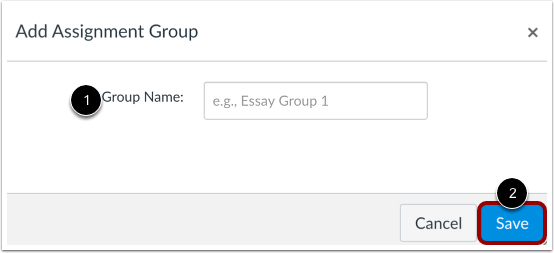
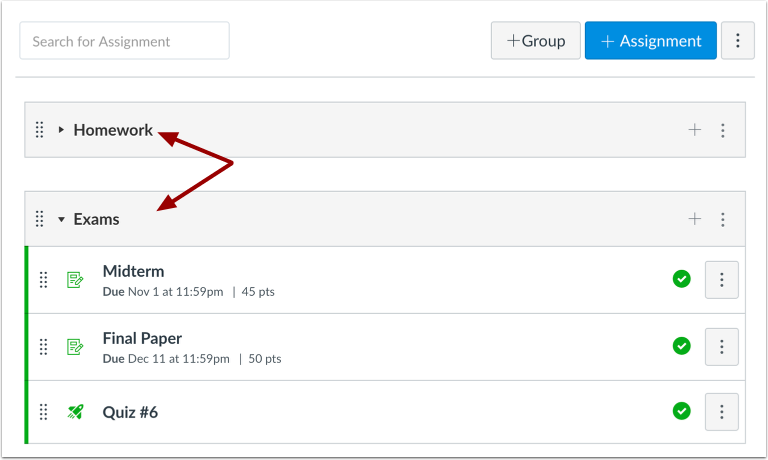
Before syncing grades with GPB, you must ensure that your Canvas assignment group names match the categories in your Qmlativ gradebook. For example, if your Qmlativ gradebook has categories named Homework, Tests, Participation, and WrittenResponse, your Canvas assignment groups must have the same names.
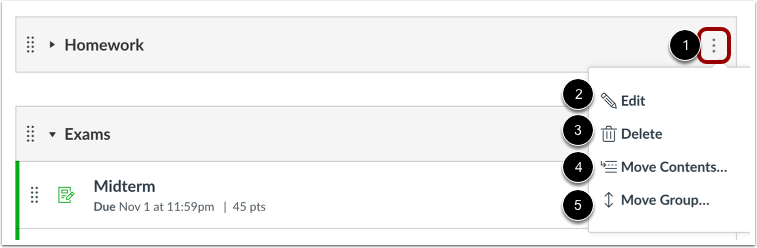
Note: If a sync-to-SIS assignment is added to a Canvas assignment group that does not match a Qmlativ grading category, the assignment will be created in a default SIS category designated by your SIS admin. Once added to the Qmlativ gradebook, you must re-categorize the assignment in the correct grading category. However, if you do not move the assignment to another assignment group in Canvas, Qmlativ will continue to re-create the assignment in the default category each time you sync your gradebook.