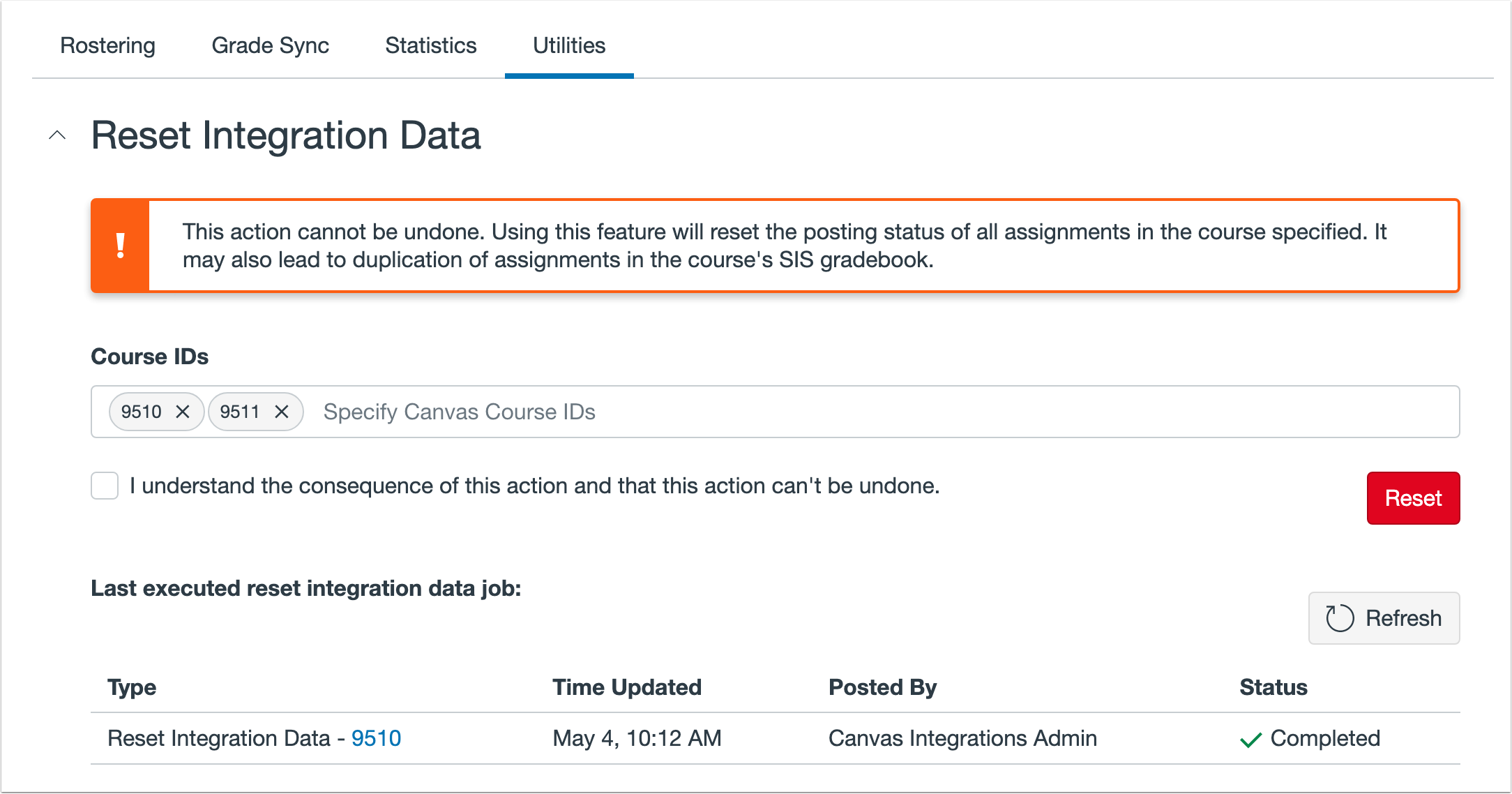
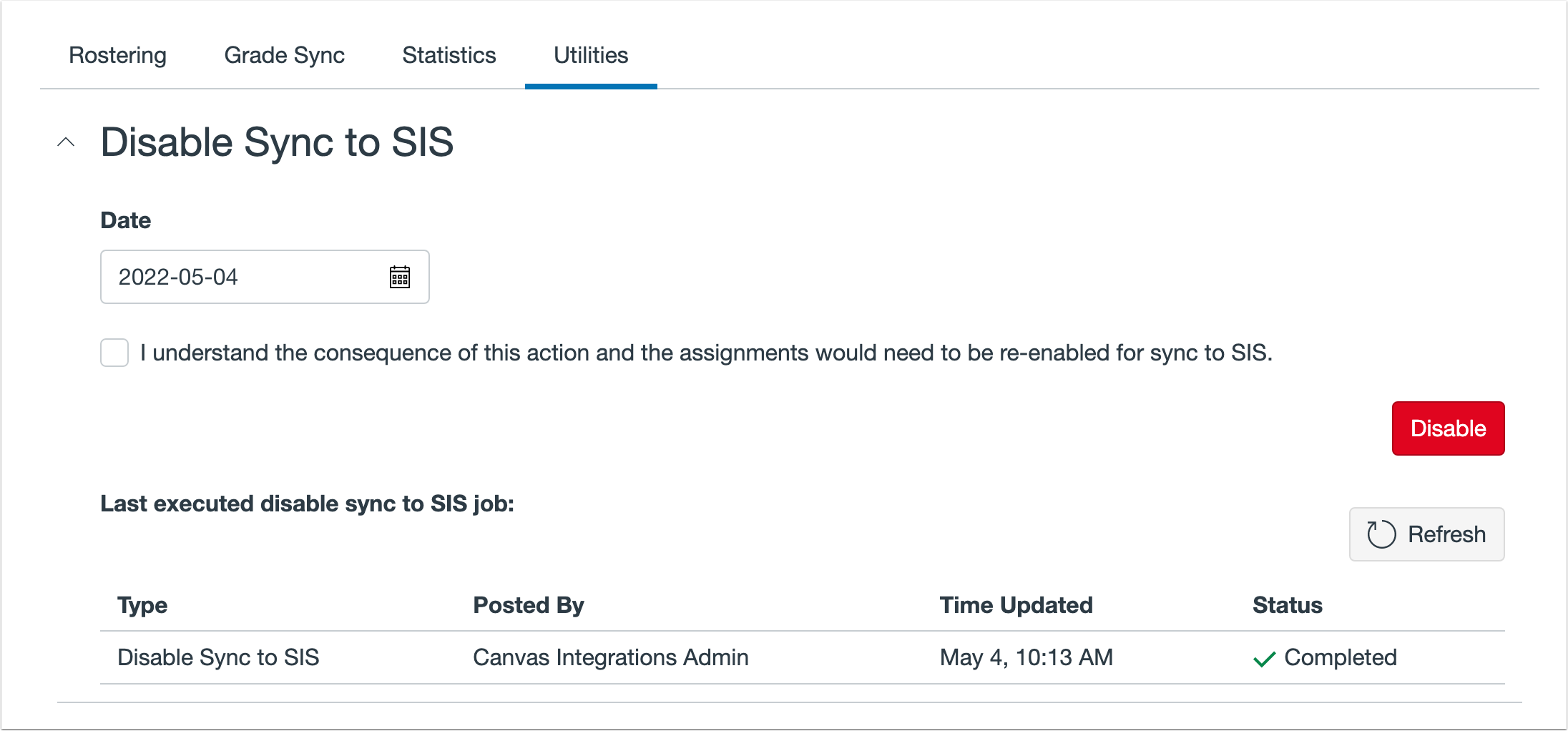
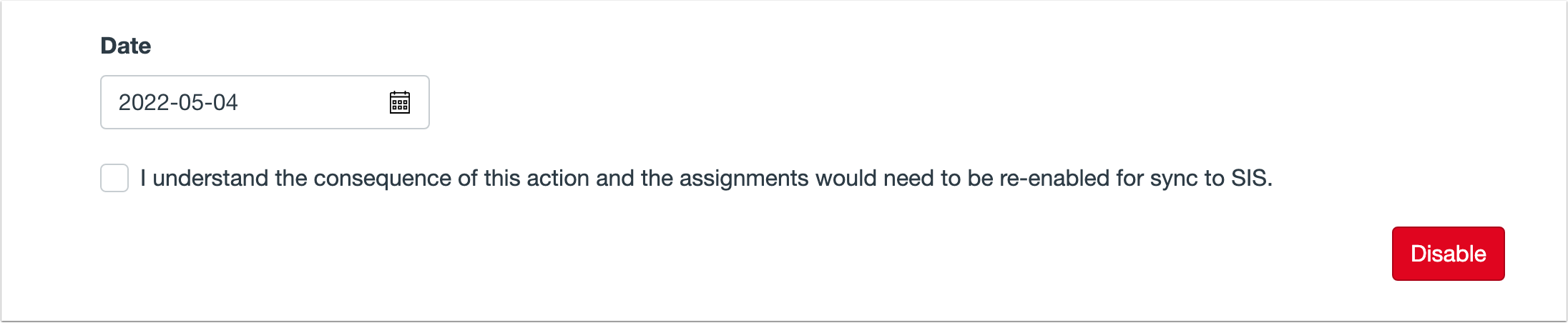
In this SIS release (May 05), functionality is available for admins to pause grade sync for an entire account. Additionally, admins can reset integration data for a specific course. Supported SIS: Aeries Aspen Aspire Focus Pinnacle PowerSchool One Roster Q by Aequitas Sapphire SchoolTool Skyward Synergy Updated Features Utilities Tab Reset Integration Data The Reset Integration Data feature allows admins to reset the posting status for all assignments in a specified course. Reset Integration Data can be accessed through the Utilities tab. Course(s) can be specified using the course ID. This option may lead to unintended consequences such as duplicated assignments in the course’s SIS gradebook and should be used with caution. Disable Sync to SIS The Disable Sync to SIS feature allows admins to turn off the Sync to Sis setting on all assignments in an account with a due date before the indicated date. Disable Sync to SIS can be accessed through the Utilities tab. Assignment sync to sis can be re-enabled on each assignment at any time, but cannot be re-enabled for all assignments at one time.