Hello Canvas Community,
My name is Daniel Fontaine and I work as the Accessibilty Lead for something called the "San Francisco Bay Area Region Network", which is a business construct of all the business services for SF State, Sonoma State, and CSU East Bay. I've worked in digital accessibility for over a decade, primarily in the accommodations space.
I'd like to share with this community a free tool I've developed at SF State Univeristy called Canvas Bot. Its a product of a few years of internal process developement—particularly for digital accommodations accessibility in a 504 context. But with the upcomming Title II refresh deadline, I figured wraping the system in a GUI and sharing it couldn't hurt.
Canvas Bot is a "content bridge" that works through the Canvas API to find ALL content in a canvas course and re-create the course "context" in the form a windows desktop folder structure. All cantent can be downloaded and organized locally in the same way it is in the course.
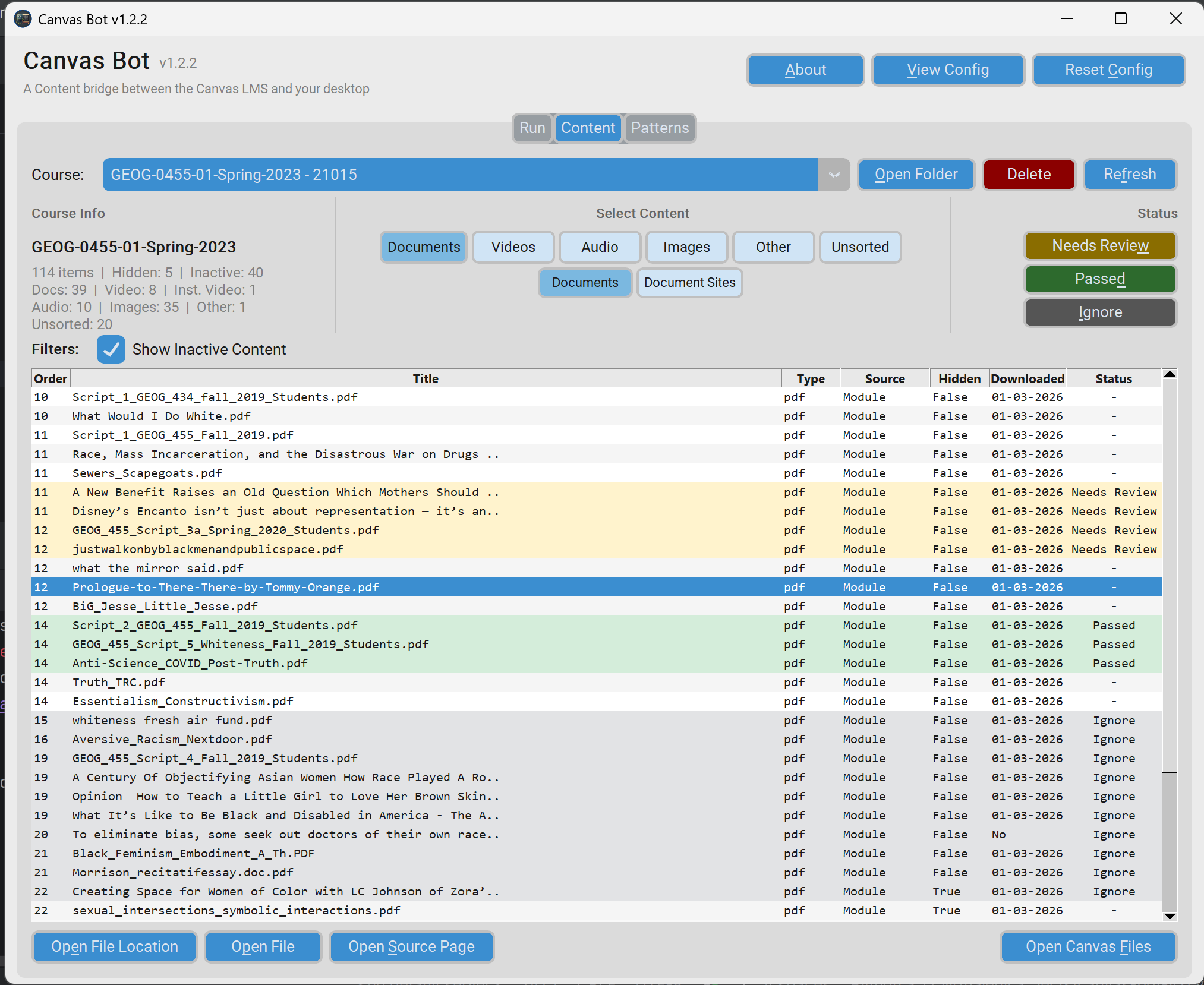
Here is a LinkedIn article with more detail:
CanvasBot LinkedIn Article
I'm hoping there are some accessibility professionals that will find this tool useful. You can download the latest version below and the full user guide is available on the GitHub page.
If anyone finds the useful, I'm happy to entertain updates or improvements.
Take care,
Dan
