What is the purpose of this campaign?
This Walkthrough show instructors the workflow around adding content items to their course via Modules (recommended).
Remember: After you import the campaign, you can customize your Walkthroughs to meet the specific needs of your institute.
Tool categories
🔧 The 'Modules' tool category should be toggled before importing the campaign on to display the content. Click here to find out how to manage tool categories in your dashboard.
Find out where your walkthrough steps will show up
Walkthrough: Adding content items to Modules
(view in My Videos)
Walkthrough: Edit a Discussion
This walkthrough launches when a user clicks on a discussion that has already been created:
Walkthrough: Edit an assignment
This walkthrough launches when a user clicks on an assignment that has already been created:
(view in My Videos)
Walkthrough: Edit a Classic Quiz
This walkthrough launches when a user clicks on a classic quiz that has already been created:
(view in My Videos)
Walkthrough: Add content to a New Quiz
This walkthrough launches when a user clicks on a New Quiz that has already been created:
(view in My Videos)
Support Articles
One article of this campaign is custom made and cannot be previewed outside the Impact Dashboard.
How can the impact of this campaign be measured?
Campaign engagement
Views on messages & links on support included inside messages
Views on support articles included in this campaign
Average tool adoption
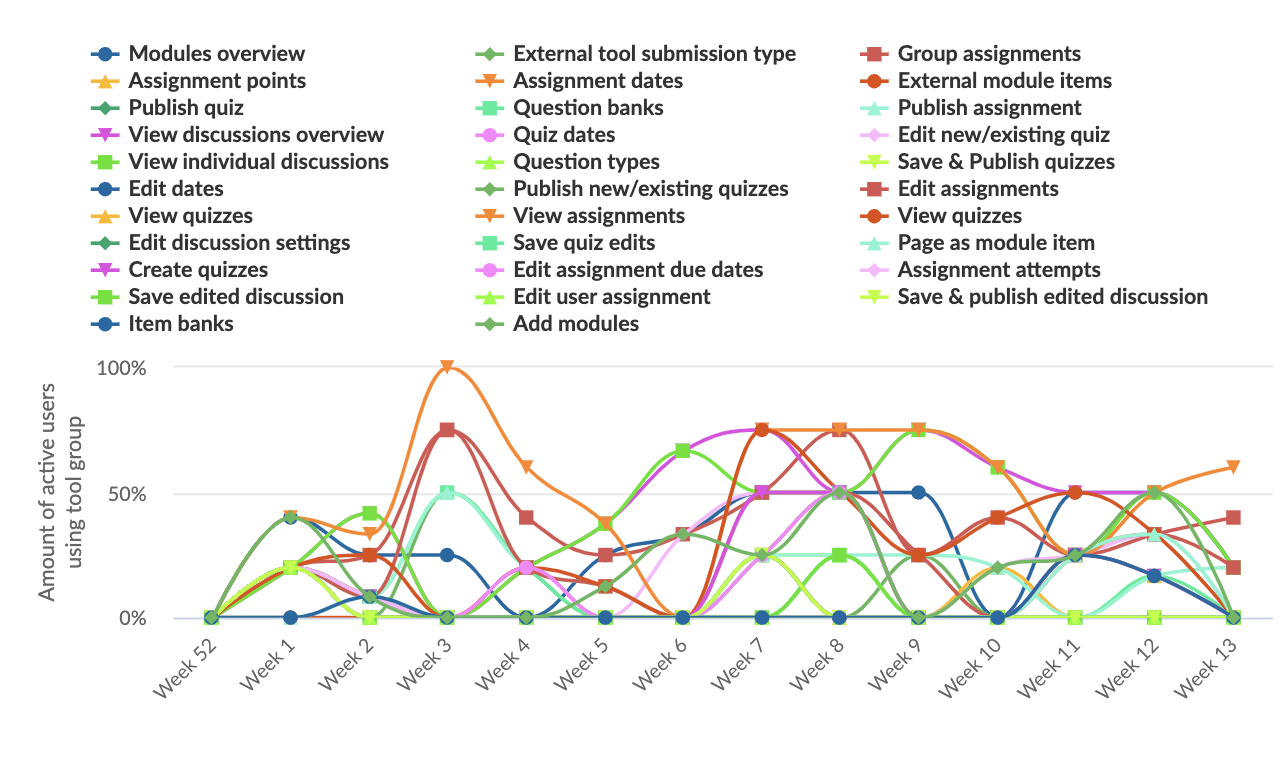
Monitors have been placed on the following pages/elements as data points to define the use of the tool